
Artwork & Dielines
Find available templates for selected video greeting cards. Preview the layout and prepare your artwork.

Find Your Dieline Template
Templates are available for selected models. Choose the product type and specifications that match your project.
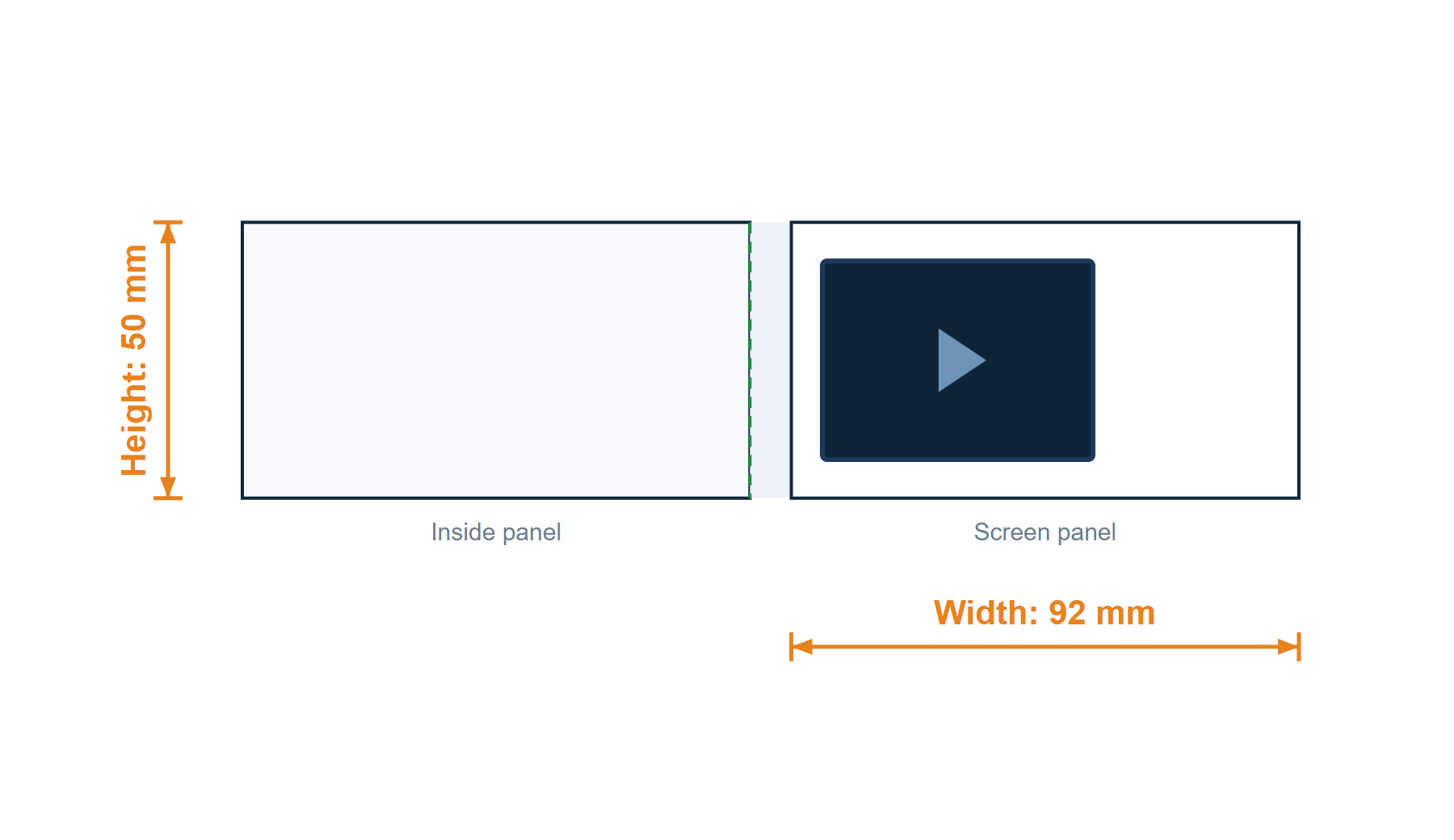
2.4 in · Softcover · 92 × 50 mm
HS-VC-2.4-9250-R-Sv1.0
Pending ReviewReference template — not approved for production.

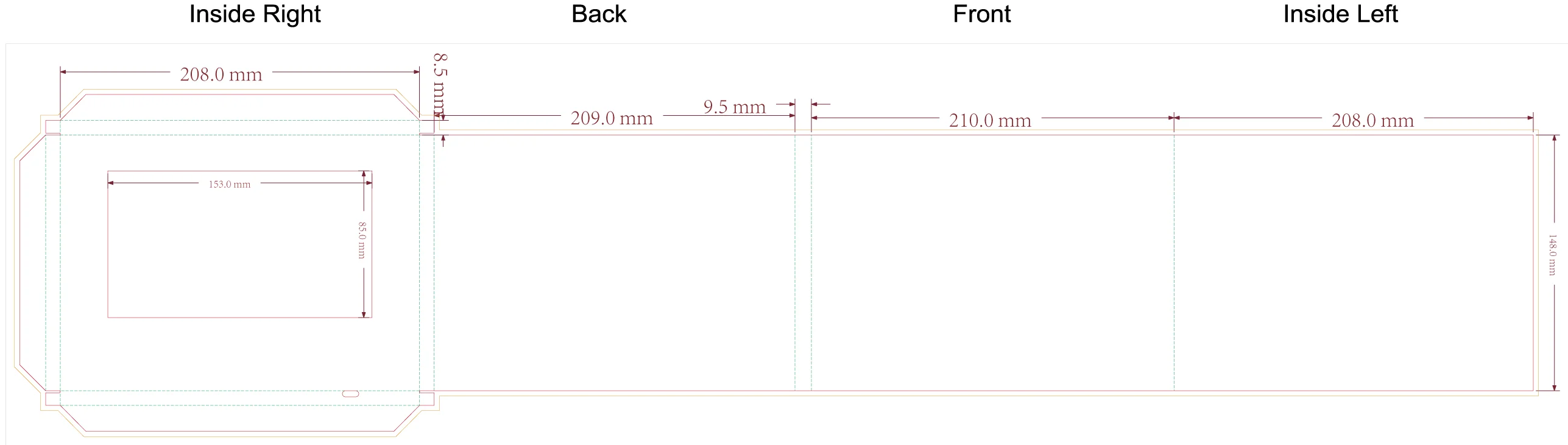
2.4 in · Softcover · A5 landscape · 210 × 148 mm
HS-VC-2.4-A5L-R-Sv1.0
Pending ReviewReference template — not approved for production.
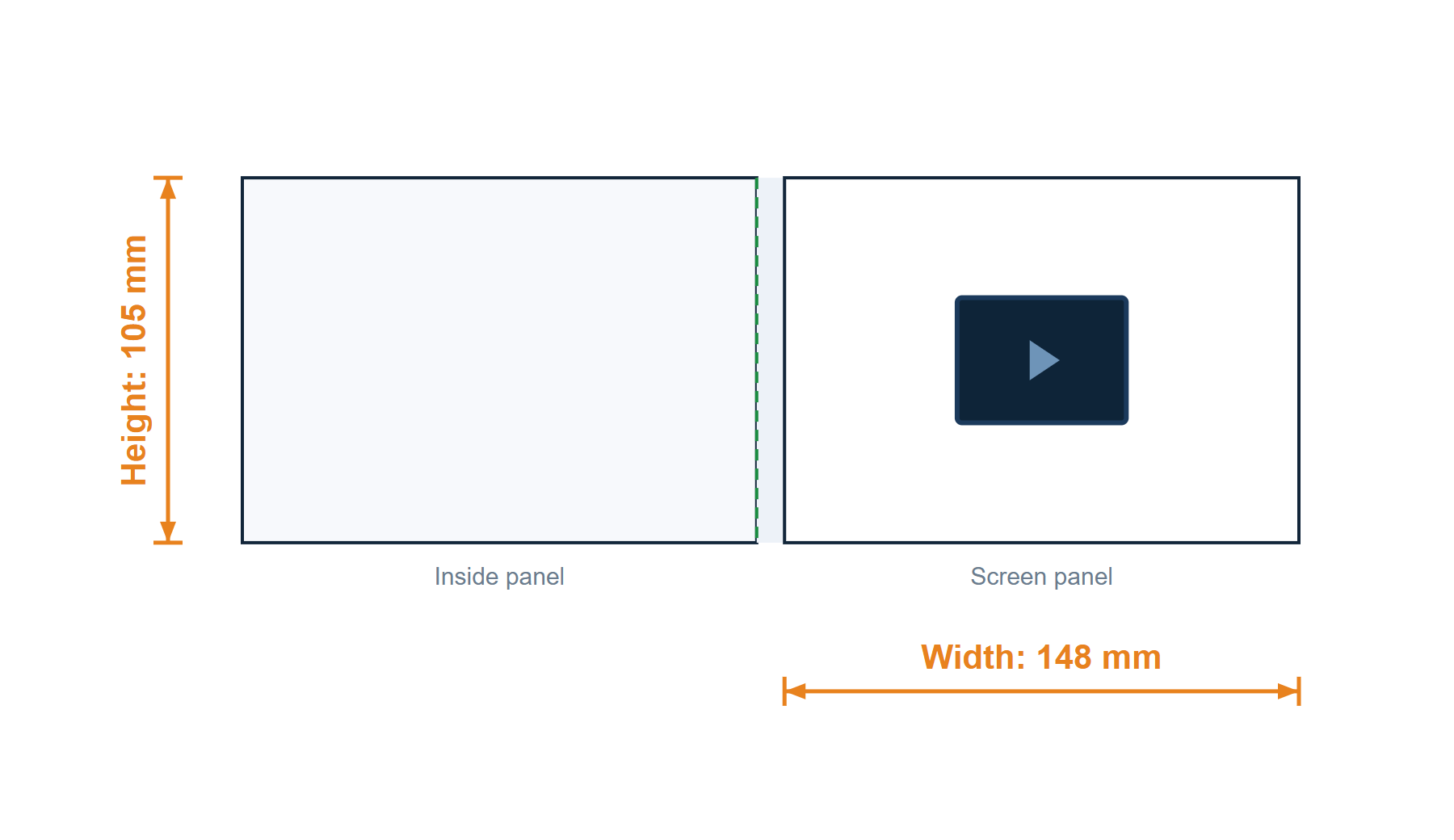
2.4 in · Softcover · A6 landscape · 148 × 105 mm
HS-VC-2.4-A6L-R-Sv1.0
Pending ReviewReference template — not approved for production.
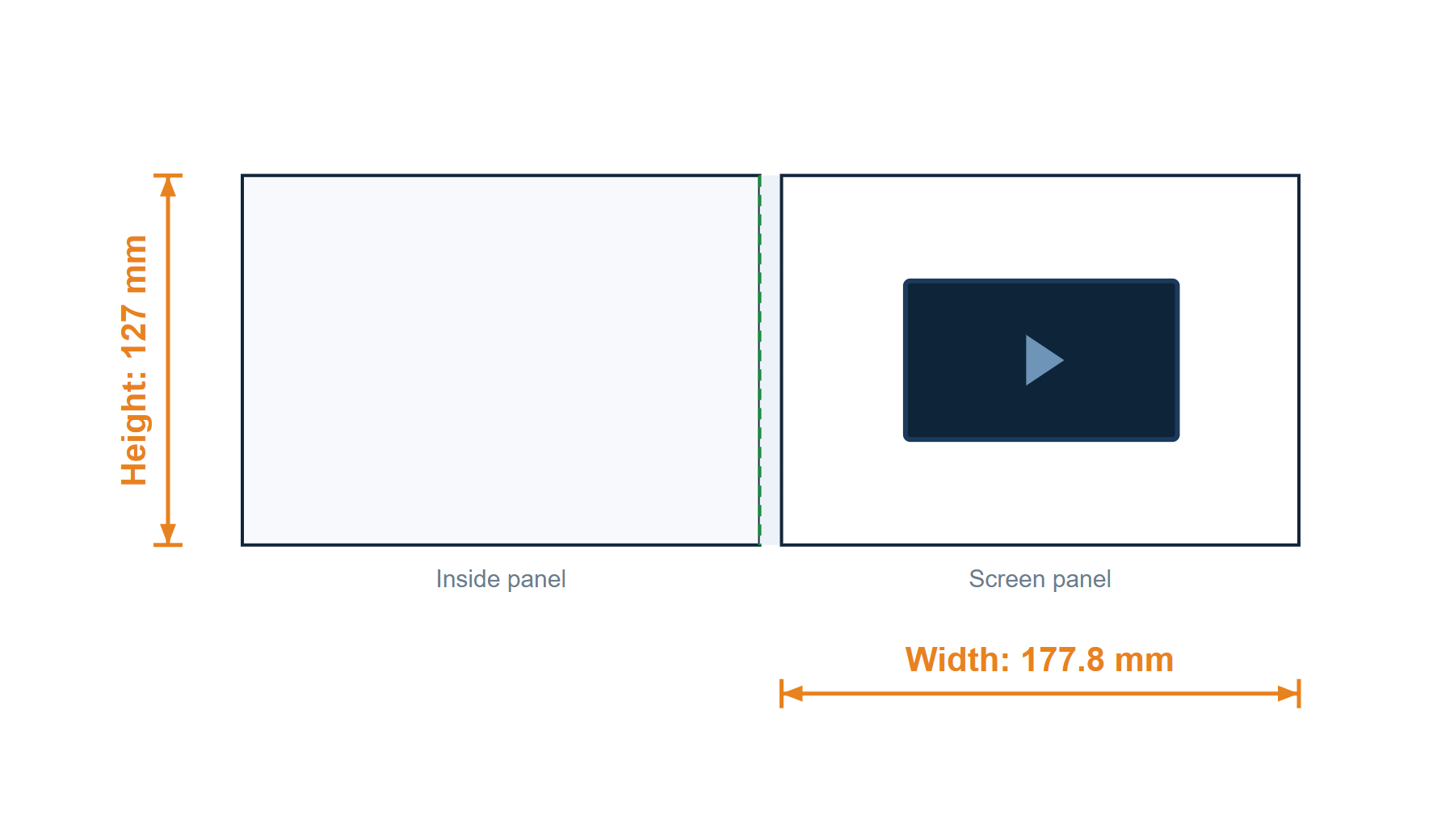
4 in · Softcover · 177.8 × 127 mm (7 x 5 in)
HS-VC-4.0-178-R-Sv1.0
Pending ReviewReference template — not approved for production.
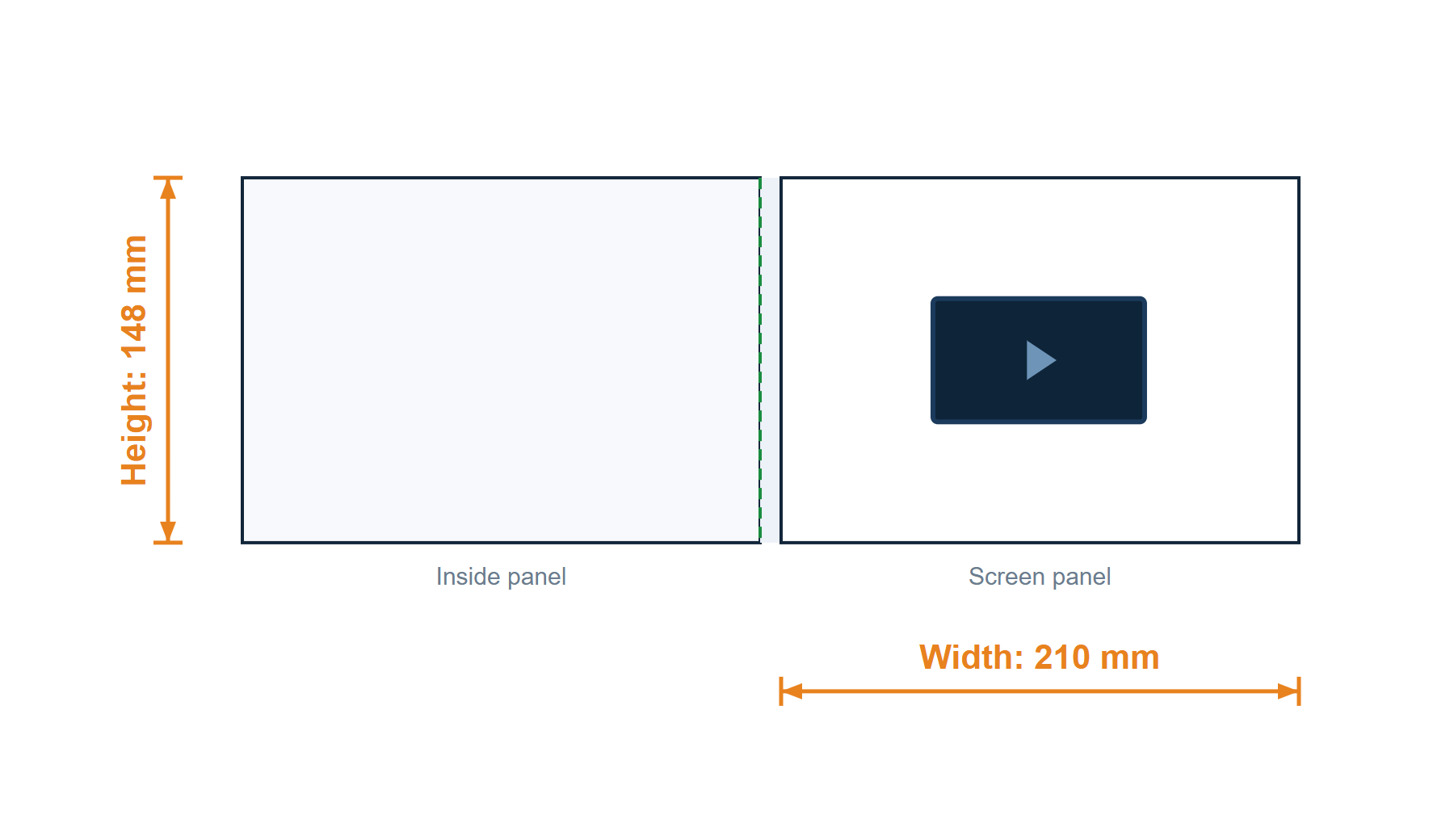
4 in · Softcover · A5 landscape · 210 × 148 mm
HS-VC-4.0-A5L-R-Sv1.0
Pending ReviewReference template — not approved for production.
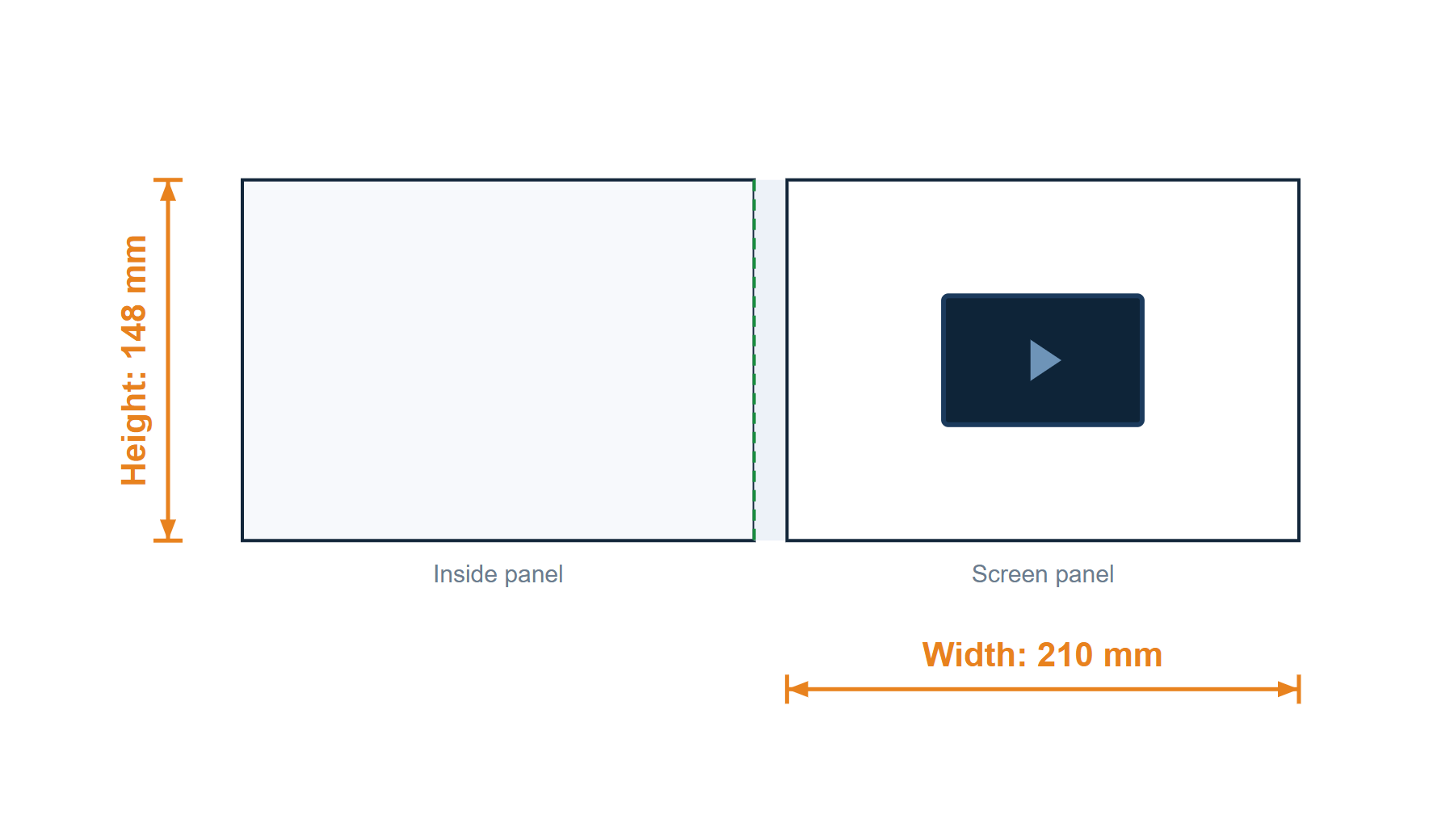
4 in · Hardcover · A5 landscape · 210 × 148 mm
HS-VC-4.0-A5L-R-Hv1.0
Pending ReviewReference template — not approved for production.
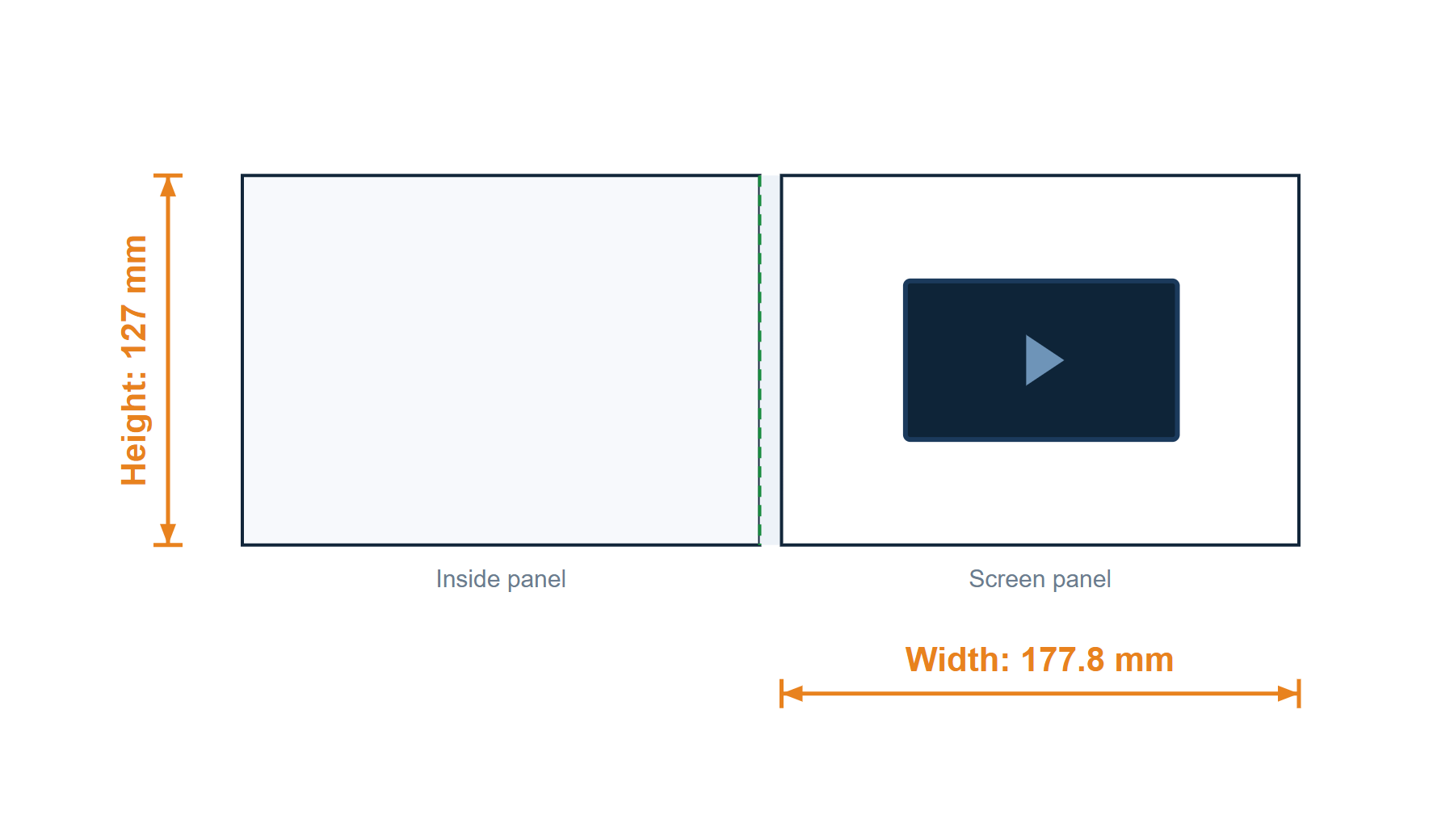
4.3 in · Softcover · 177.8 × 127 mm (7 x 5 in)
HS-VC-4.3-178-R-Sv1.0
Pending ReviewReference template — not approved for production.
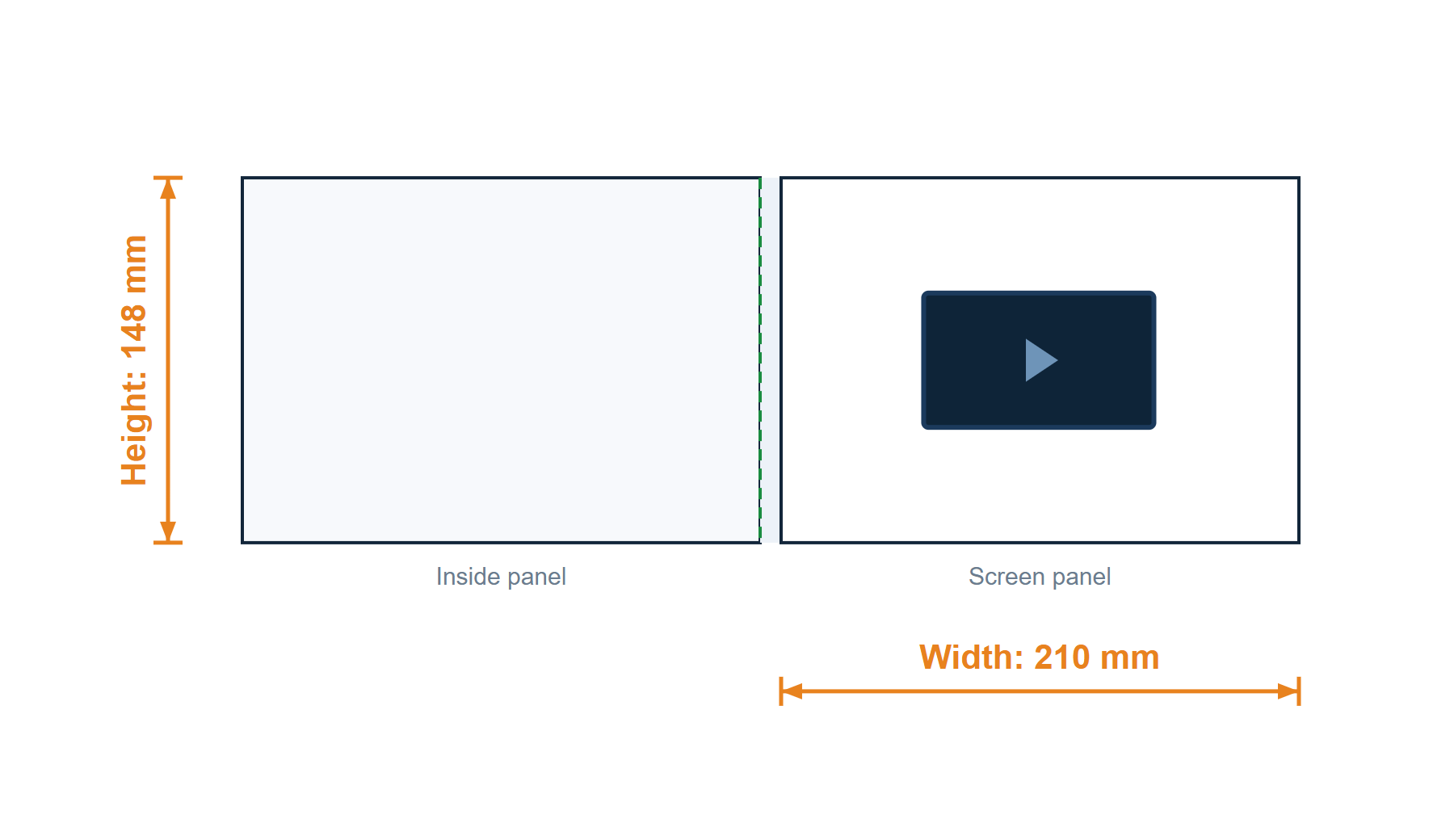
4.3 in · Softcover · A5 landscape · 210 × 148 mm
HS-VC-4.3-A5L-R-Sv1.0
Pending ReviewReference template — not approved for production.
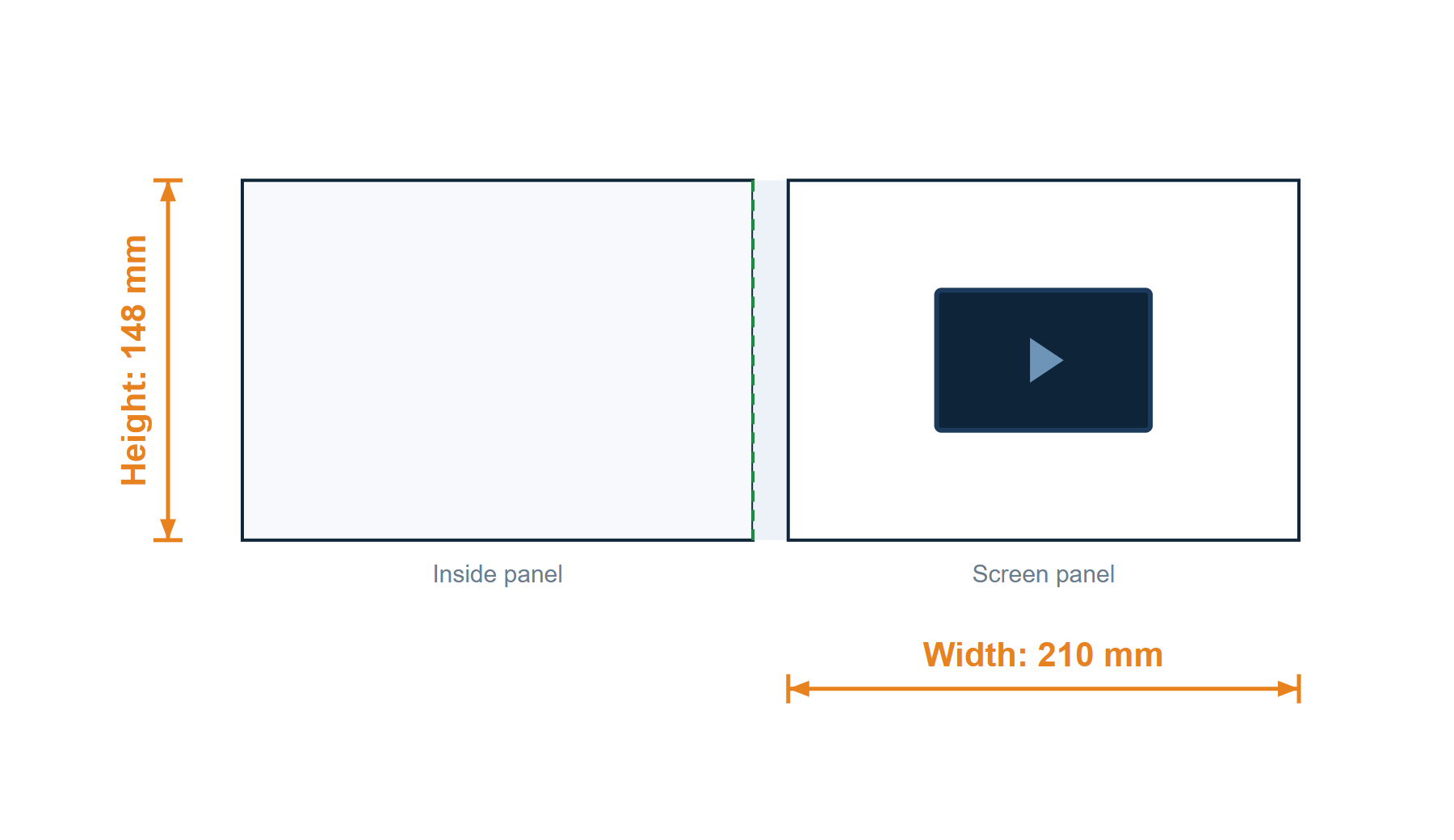
4.3 in · Hardcover · A5 landscape · 210 × 148 mm
HS-VC-4.3-A5L-R-Hv1.0
Pending ReviewReference template — not approved for production.
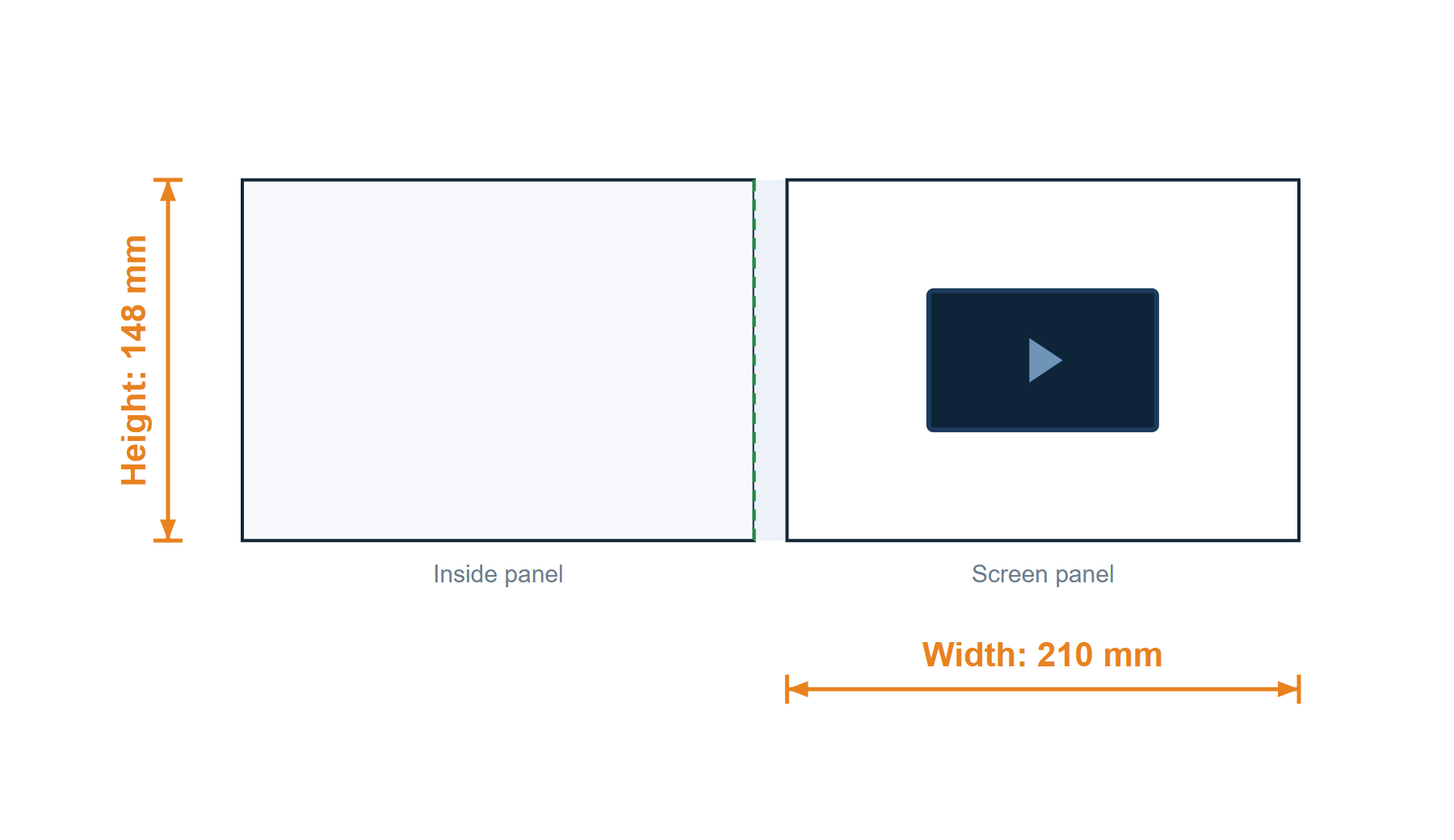
4.5 in · Hardcover · A5 landscape · 210 × 148 mm
HS-VC-4.5-A5L-R-Hv1.0
Pending ReviewReference template — not approved for production.

5 in · Softcover · 177.8 × 127 mm (7 x 5 in)
HS-VC-5-178-R-Sv1.0
Pending ReviewReference template — not approved for production.
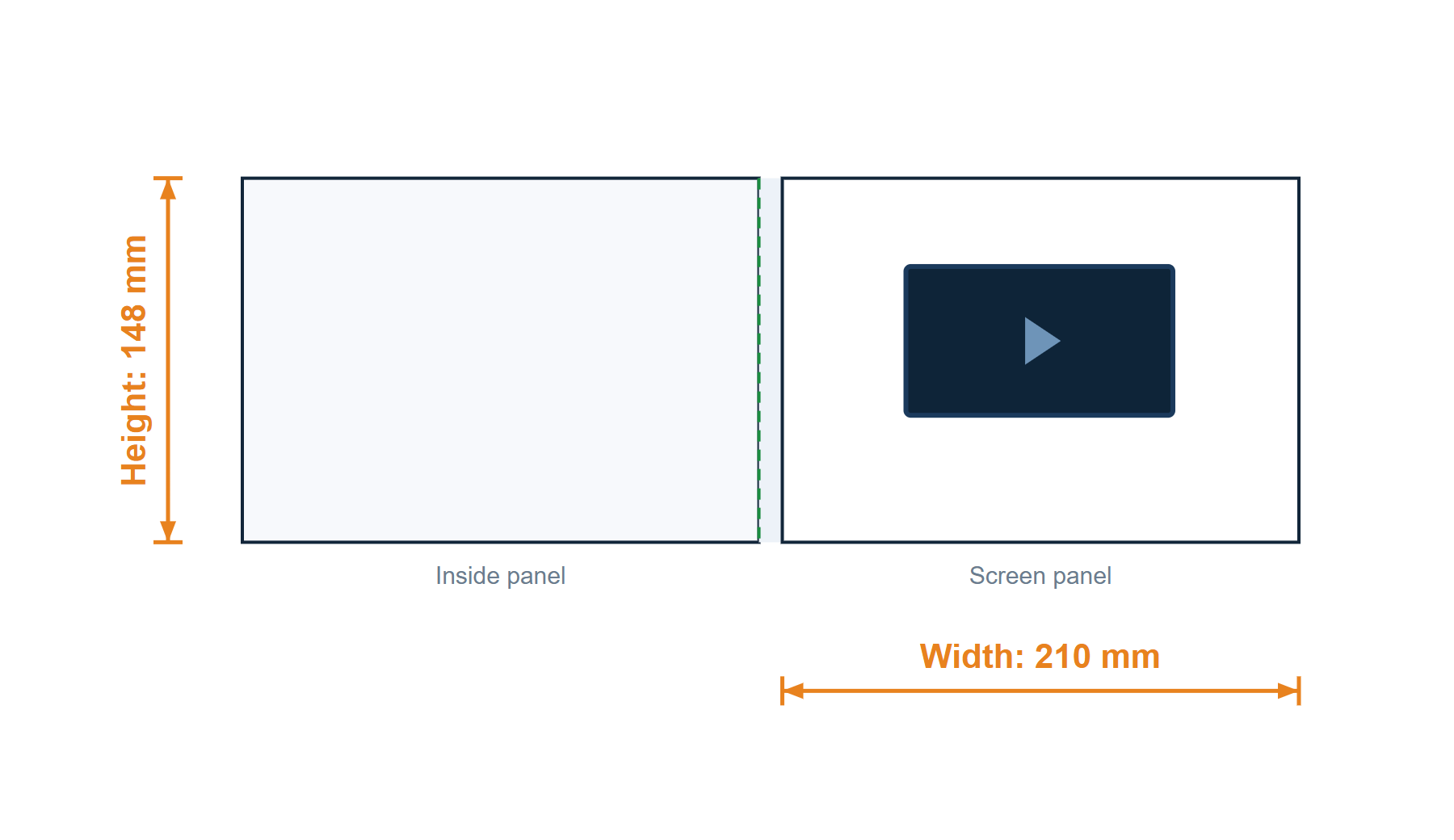
5 in · Softcover · A5 landscape · 210 × 148 mm
HS-VC-5-A5L-R-Sv1.0
Pending ReviewReference template — not approved for production.
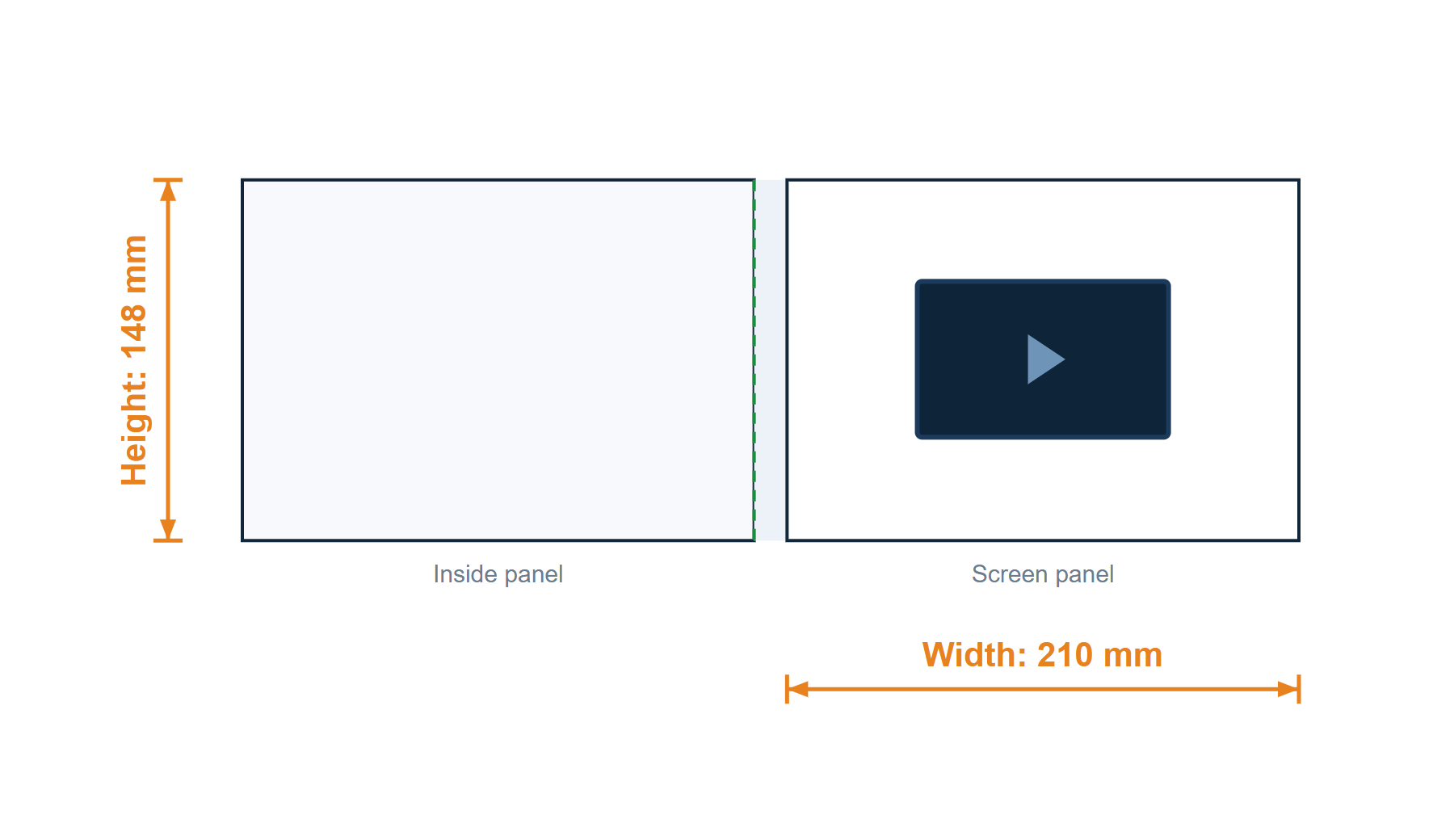
5 in · Hardcover · A5 landscape · 210 × 148 mm
HS-VC-5-A5L-R-Hv1.0
Pending ReviewReference template — not approved for production.
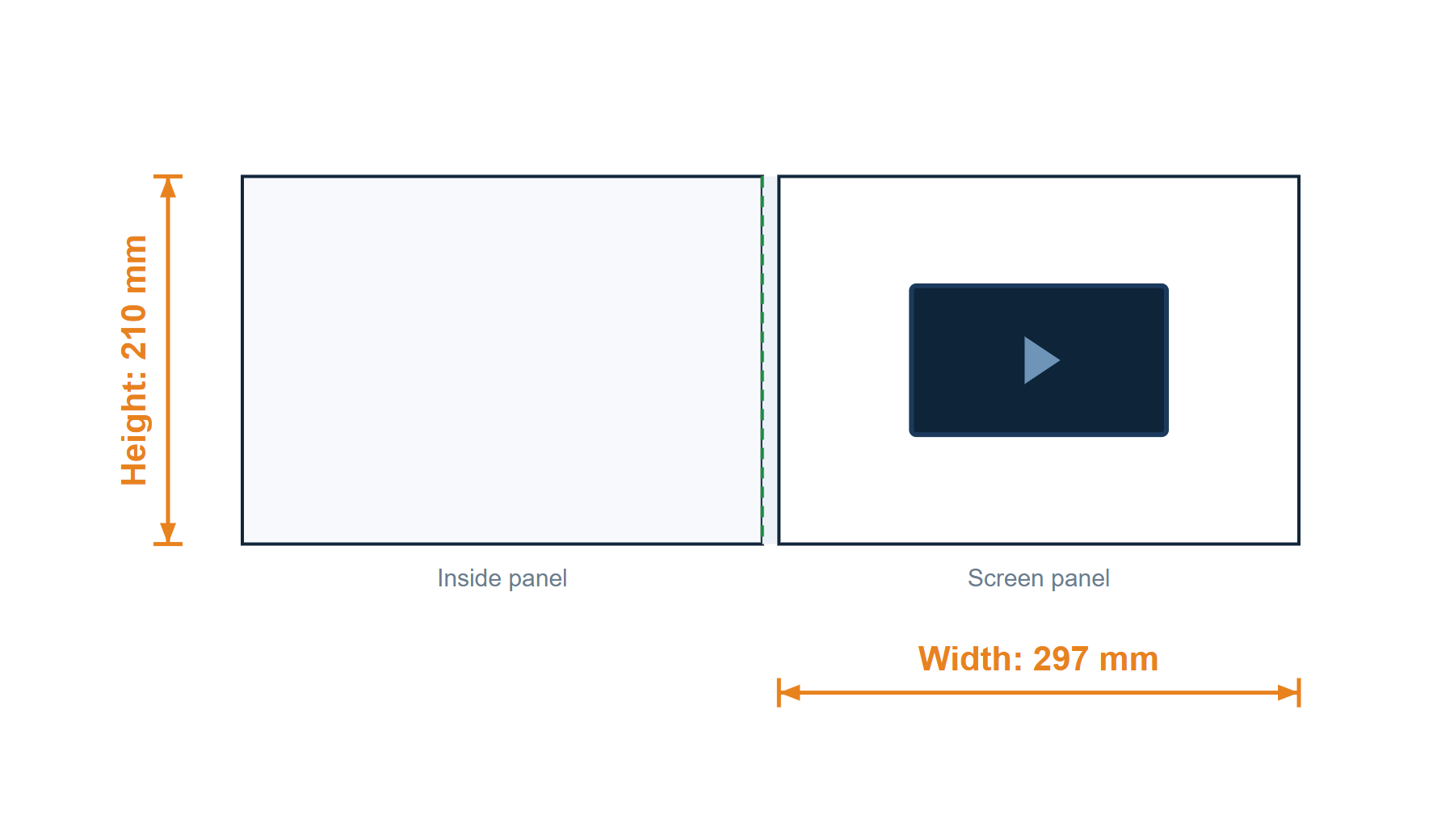
7 in · Softcover · A4 landscape · 297 × 210 mm
HS-VC-7-A4L-R-Sv1.0
Pending ReviewReference template — not approved for production.
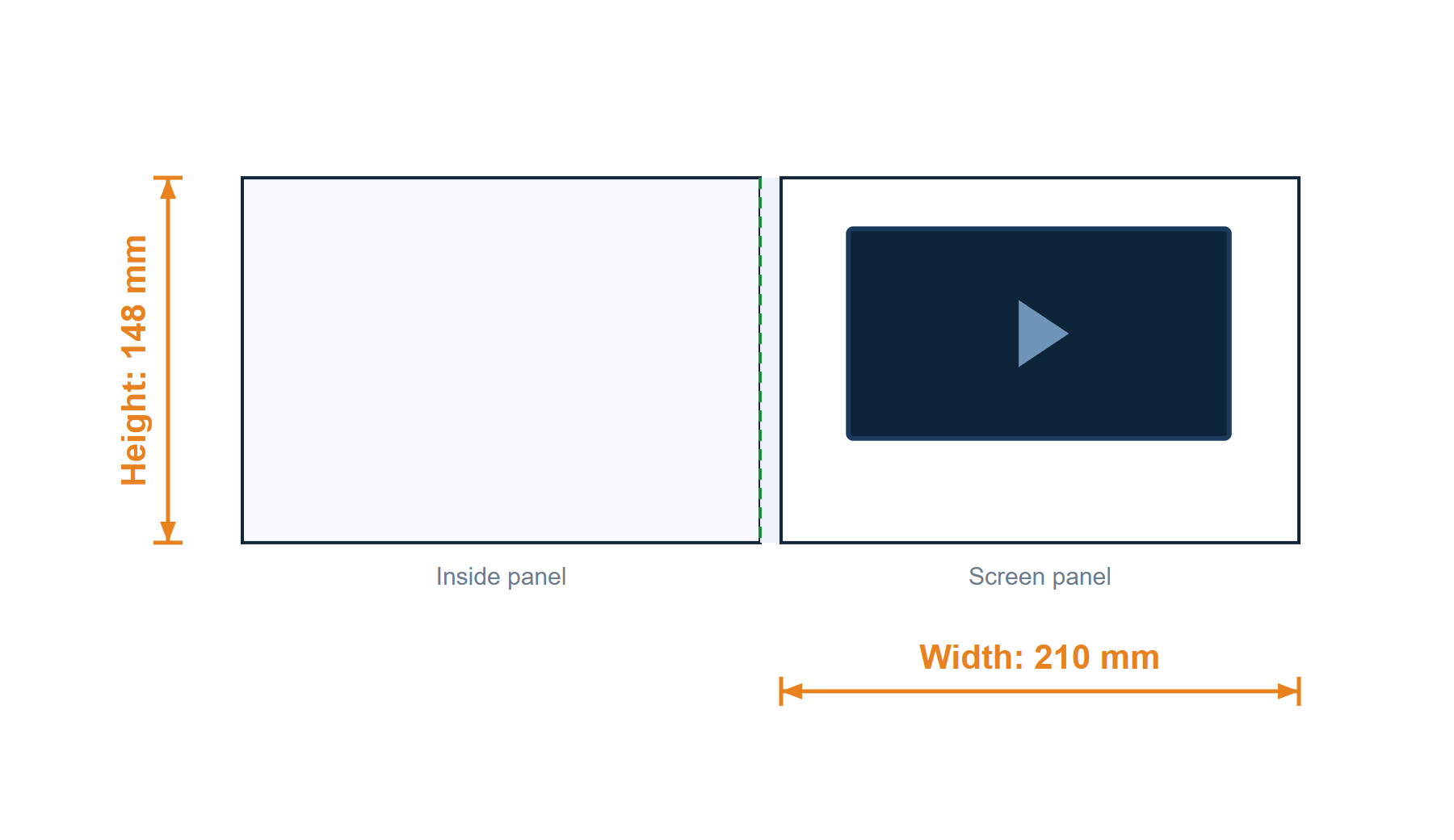
7 in · Softcover · A5 landscape · 210 × 148 mm
HS-VC-7-A5L-R-Sv1.0
Pending ReviewReference template — not approved for production.
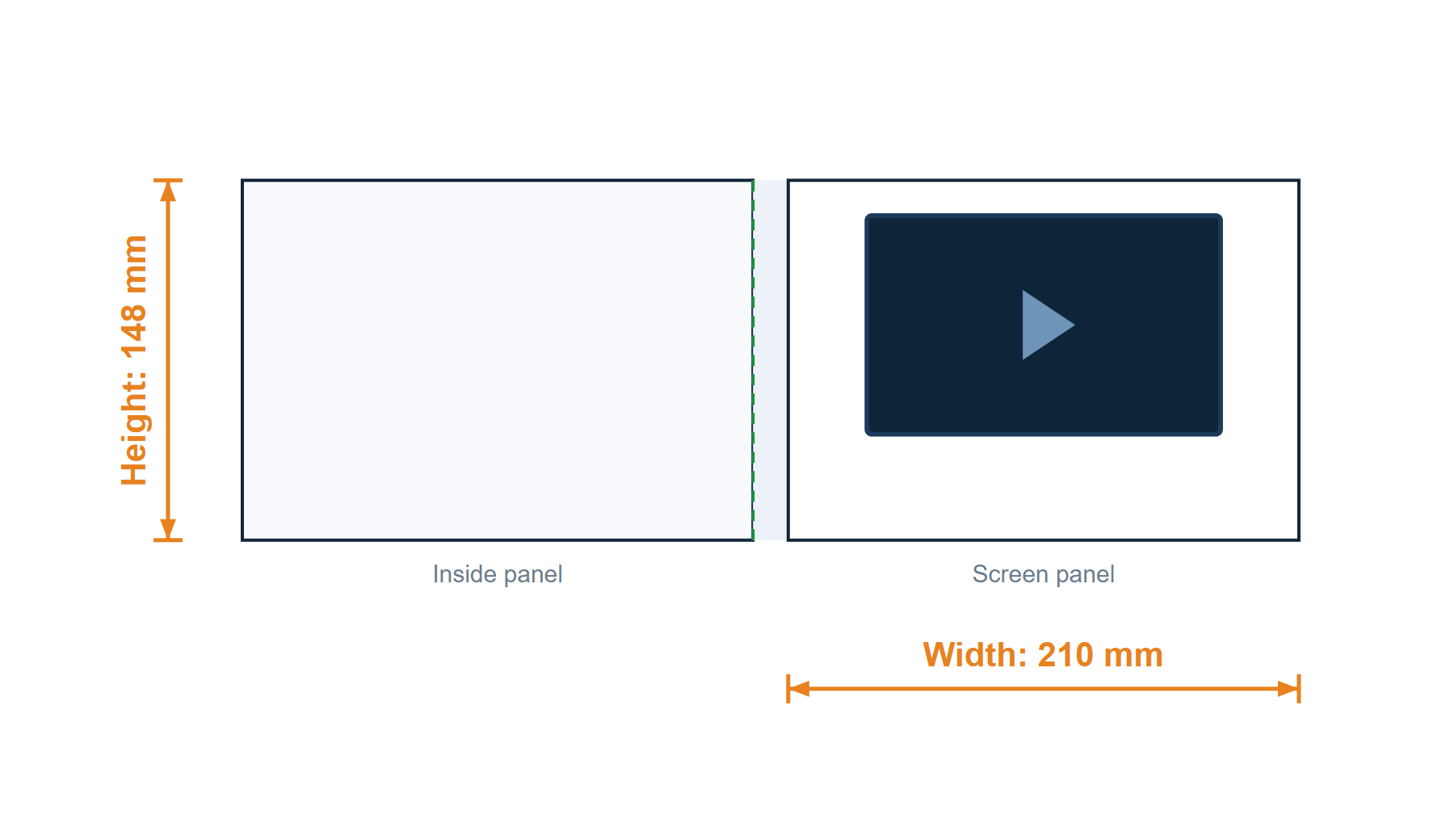
7 in · Hardcover · A5 landscape · 210 × 148 mm
HS-VC-7-A5L-R-Hv1.0
Pending ReviewReference template — not approved for production.
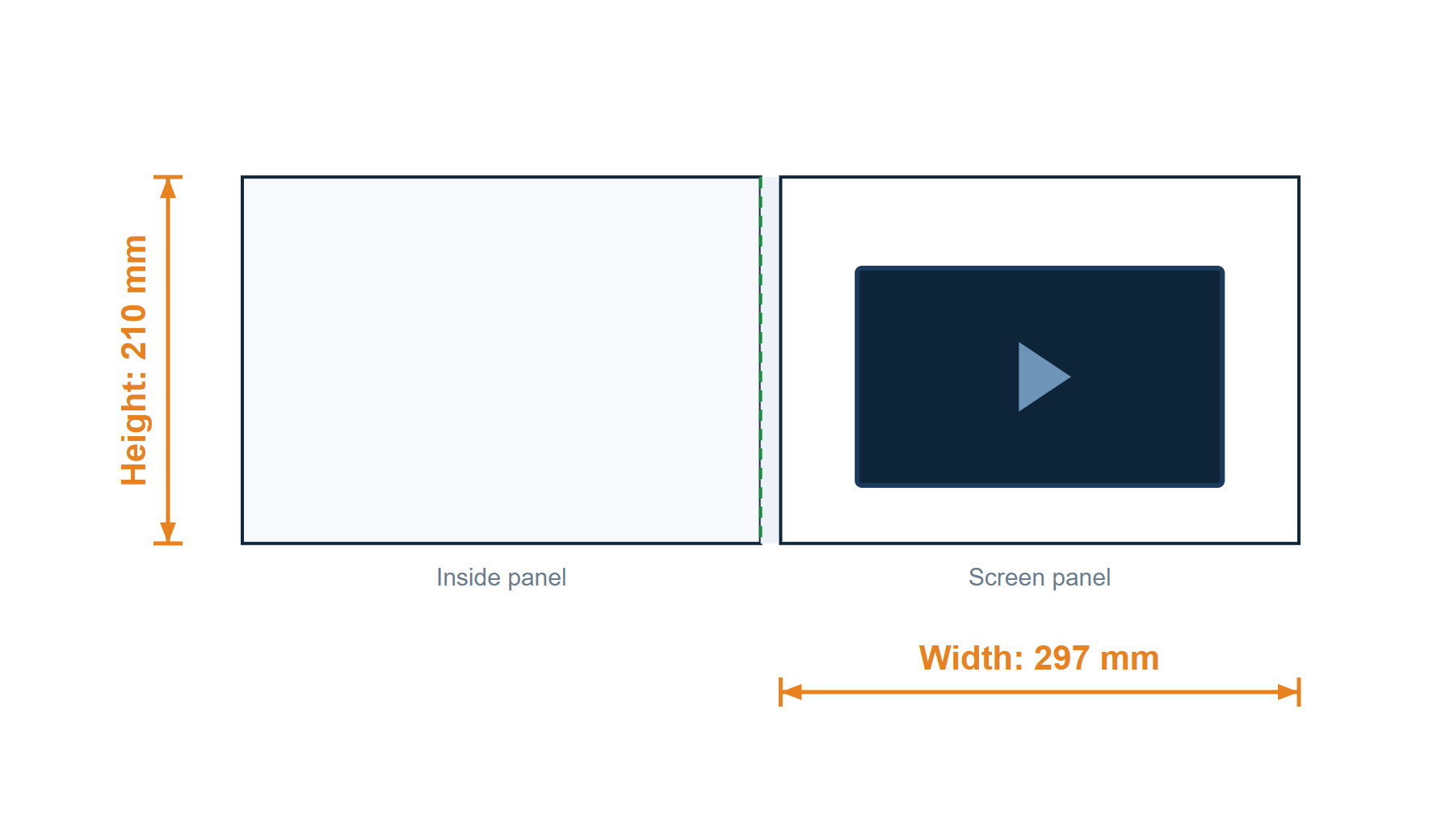
10.1 in · Softcover · A4 landscape · 297 × 210 mm
HS-VC-10.1-A4L-R-Sv1.0
Pending ReviewReference template — not approved for production.
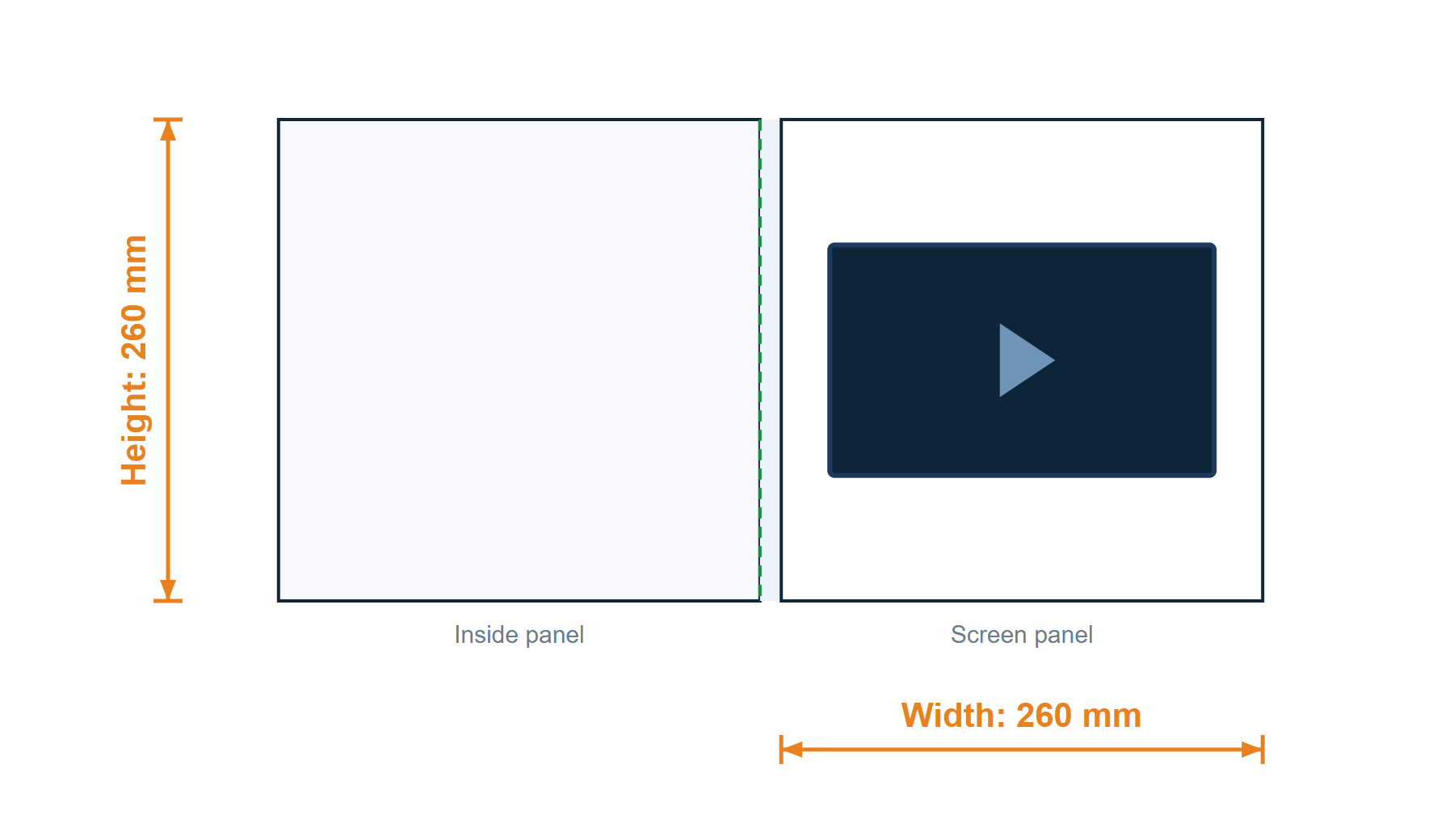
10.1 in · Softcover · 260 × 260 mm
HS-VC-10.1-260260-R-Sv1.0
Pending ReviewReference template — not approved for production.
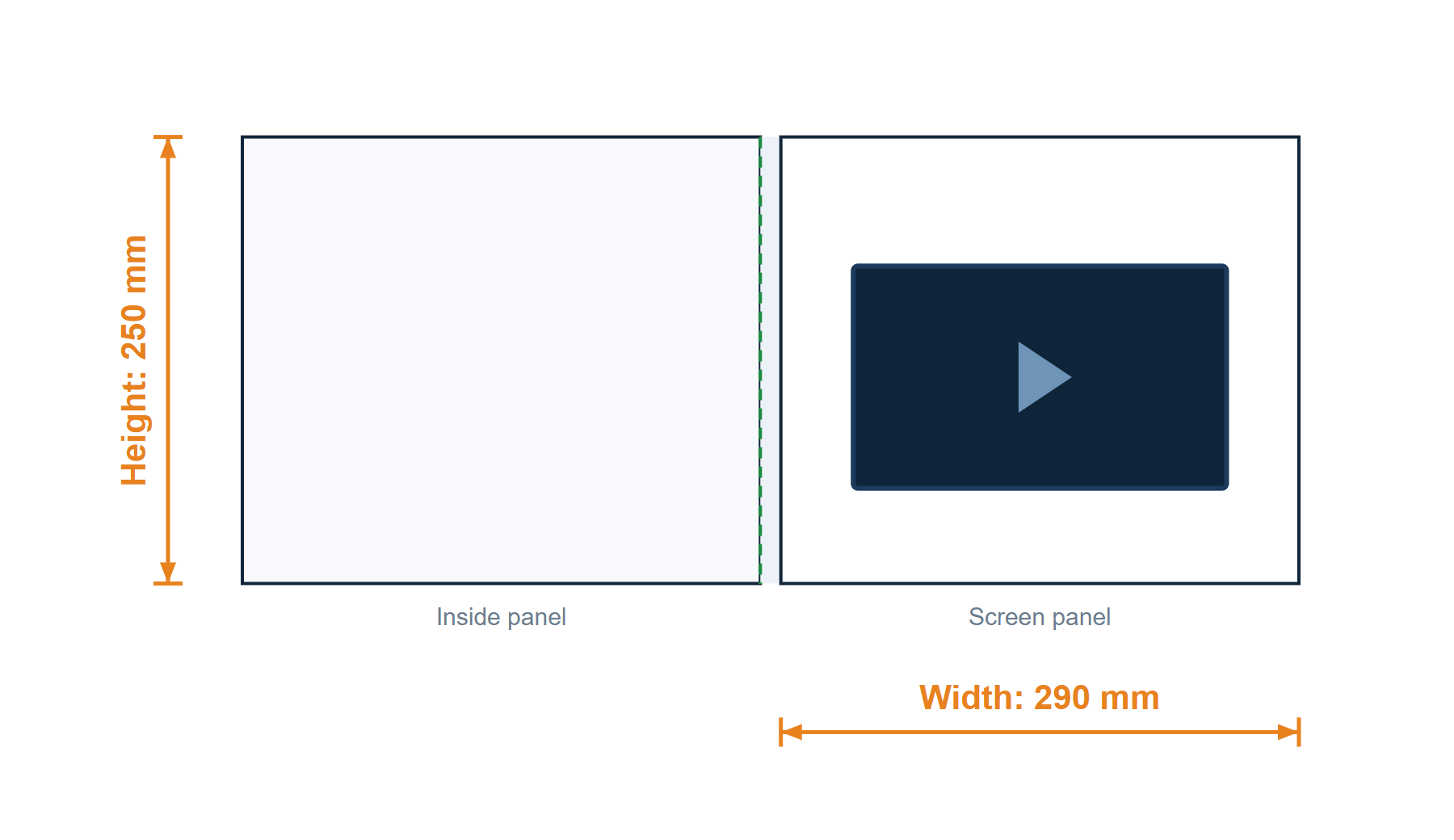
10.1 in · Softcover · 290 × 250 mm
HS-VC-10.1-2290250-R-Sv1.0
Pending ReviewReference template — not approved for production.
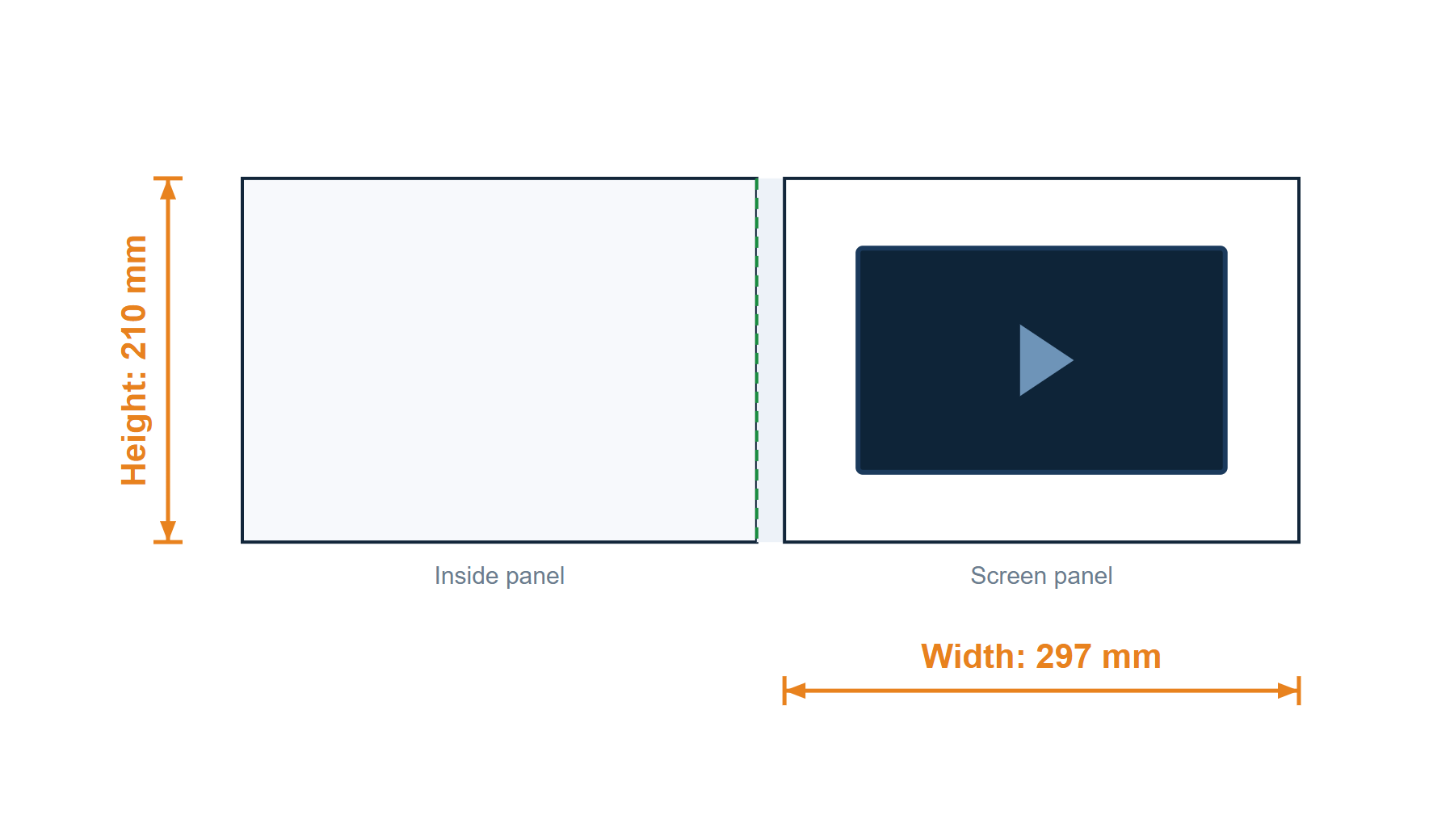
10.1 in · Hardcover · A4 landscape · 297 × 210 mm
HS-VC-10.1-A4L-R-Hv1.0
Pending ReviewReference template — not approved for production.
No published template matches these options. Contact us for a suitable dieline.
Screen sizes in this library are not limited to the six standard sizes. A 4.5″ template appears here as well: 4.5″ is a size we can supply rather than a standard stock module, so tell us what you need and we will confirm the screen, finished format and dieline against your specification.
Can’t find your size or structure?
Tell us your product type, finished size and key requirements. Our team will help confirm a suitable dieline.
Check These Before You Design
Follow the dimensions and notes in your selected template.

- Use the confirmed dieline Check that the template matches your product, finished size and configuration before placing artwork.
- Keep guides separate from print artwork Keep cut lines, fold lines and other production guides on separate, clearly identified layers.
- Extend backgrounds to the bleed Extend background images and colours to the bleed boundary specified in the template.
- Keep important content clear Keep text and logos within the safe area and clear of folds, openings and components.
Bleed, safe areas and opening positions depend on the confirmed structure.
Prepare Your Artwork
Working in another format? Send us a sample file for review before preparing the full artwork.
Editable artwork
AI, vector PDF or EPS files are preferred. Keep artwork and production guides clearly separated.
Images & fonts
Use images at suitable print resolution for the final size. Outline fonts or provide the required font files where licensing permits.
Video & audio
Supply video and audio files separately from your print artwork. Follow the requirements for your selected product.
3 Simple Steps
- Choose a matching template Select the product type, finished size and configuration.
- Preview and download Preview instantly. Enter your email to download the PDF and receive a copy by email.
- Submit artwork for review Send your artwork and template code to our team for confirmation.
Frequently Asked Questions
Can I use a PDF template?+
Yes. Download the available PDF and use suitable design software to prepare your artwork. Keep the template scale unchanged and retain the production guides separately.
What if my size is not listed?+
Send us your product type, finished dimensions and key requirements. We will help confirm whether an existing template is suitable or a custom dieline is needed.
Can I use this template for production immediately?+
Please have the template and final artwork confirmed by our team before production. Changes to the structure, screen, buttons or components may require a revised dieline.
Will you check my artwork?+
Yes. Our team reviews the artwork against the agreed structure and identifies issues that need confirmation before production. You will still need to approve the final content and proof.
Need Help Matching Your Artwork?
Share your product requirements or existing design. Our team will help you identify the next step.