
Video Content Guide
Prepare Your Video for Playback
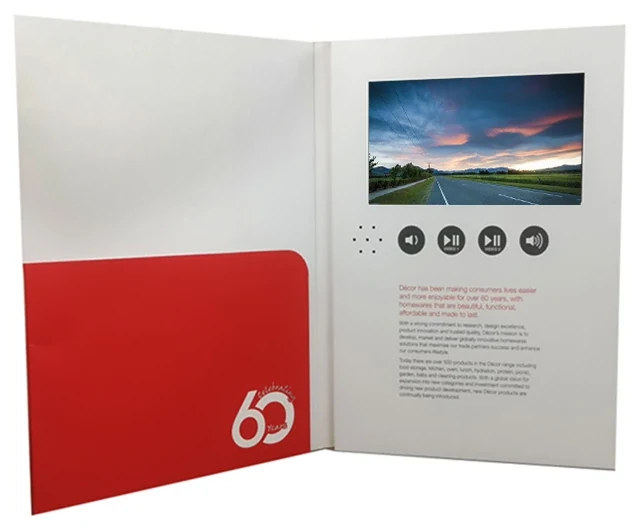
Get your video ready for custom video brochures, video boxes and video POS displays. Start with your best available video file—we’ll confirm compatibility and playback settings for your selected module before production.
MP4 file
- MP4 preferred Send your original export where possible.
- Original files recommended Keep the highest-quality version available.
- Playback confirmed before production File requirements follow your selected module.
Get Your Video Ready in 3 Simple Steps
Start with your content. We’ll help confirm the technical requirements for your selected product.
-
01
Choose Your Content
Prepare your final video, including any subtitles, logos and music that should appear during playback.
-
02
Send Your Best File
Send the original file you have. MP4 (H.264) is preferred; AVI, MOV and 3GP also load.
-
03
Confirm Playback
We’ll confirm file compatibility, screen fit and playback settings for your selected module before production.
Not sure which screen or format to choose? Send your existing file and project requirements for review.
What to Send Us
Use this checklist to prepare your video files and project details.
| Item | Recommended Preparation |
|---|---|
| Video file | MP4 (H.264) preferred. AVI, MOV and 3GP also load. Contact us if your file is in another format. |
| Resolution | Send your highest-quality original export. Avoid enlarging a low-resolution file. |
| Screen fit | Keep the original aspect ratio. We’ll confirm how the video fits your selected screen. |
| Audio | Include the final soundtrack in the video file. |
| Subtitles | Embed any required subtitles directly into the video. |
| Multiple videos | Name files clearly and provide the preferred playback order or button assignment. |
| Project details | Include your selected product, screen size, video duration and playback requirements. |
| 2.4″ module | The same formats load, and we convert the file before it is loaded. Send your original in whichever format you have. |
Your file and the playback file are not always the same. You send your original export; the file that runs on the module is prepared for the selected screen, and any conversion we apply is confirmed with you before production.
How Will Your Video Fit the Screen?
When the video and screen have different aspect ratios, choose whether to keep the full image or fill the display.

Screen-fit illustration. Actual screen proportions vary by model.
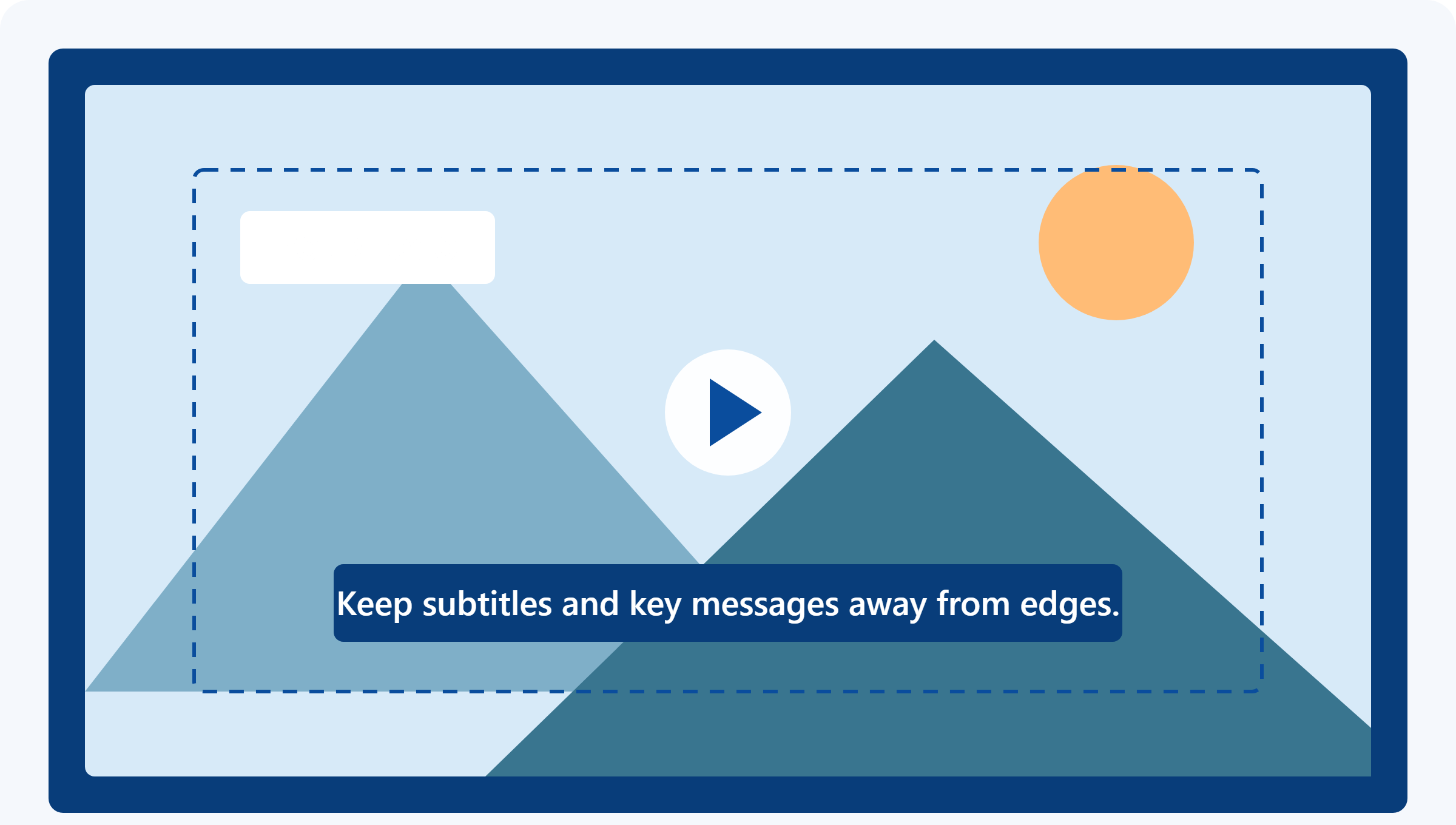
Keep logos, subtitles and key messages away from the edges. We’ll confirm the preferred fit for your selected screen before production.
Plan Your Video Length & Playback
Video Length
For a short introduction, consider a 60–90 second edit. Longer content can be reviewed for your project.
Storage Capacity
Required memory depends on the total file size and number of videos. We’ll recommend a suitable configuration.
Battery Runtime
Playback time per charge depends on the screen, battery, volume and other settings. Confirm the specification for your selected model.
Tell Us How You Want It to Play
Start Method
Open-to-play or button activation, depending on the product.
Video Selection
One video or multiple videos, subject to module support.
Control Buttons
Confirm available playback, volume and video-selection controls.
Repeat Playback
Let us know whether you need the content to loop.
Available functions depend on the selected module and product structure.
Ready to Share Your Video?
Include the following details so we can review your requirements.
- Final video file or an accessible download link.
- Product type and preferred screen size.
- Number of videos and total duration.
- Preferred playback order and button functions.
- Any requirements for subtitles, cropping or repeat playback.
Common Questions
Can I use my existing promotional video?
Yes. Send the original video file for review. We’ll confirm compatibility and screen fit for the selected module.
Do I need to convert the video myself?
Start by sending your original file. We’ll advise whether conversion is needed for the selected module.
Will my video fill the entire screen?
This depends on the video and screen aspect ratios. We’ll confirm whether to preserve the full image with borders or crop it to fill the screen.
Can I change the video after delivery?
Please tell us before ordering if you need to update the video later. We’ll confirm whether the selected module supports updates and explain the required connection and file format.
What should I do about subtitles?
Embed required subtitles directly into the video. Use clear, readable text and keep it away from the edges. Check readability on the selected screen before approving the content.
Have a Video Ready? Let’s Check the Best Setup.
Share your video duration, preferred screen size and product idea. We’ll help confirm the file requirements and playback configuration.