
Find the Right Screen Size for Your Video Project
Compare six LCD screen sizes side by side, and explore complete specifications for each. Choose the right screen, format and finished size.

See All Six Screen Sizes Side by Side
Screen modules we build with. Every frame below is drawn to the same scale, using the real active display area of each module — a 10.1-inch screen really is that much larger than a 2.4-inch one. Select a size to load its specification.
Compare the Essentials
Figures for display area, native resolution, battery and playback follow our factory specification sheet. Memory is 128MB to 16GB as standard, with 32GB built to order on every size in the range.
Screen modules we build with · all figures from our factory specification sheet
| Screen Size | Active Display Area | Native Resolution | Battery / Playback |
|---|---|---|---|
| 2.4″ | 48 × 36 mm | 320 × 240 4:3 | 300 mAh · approx. 100–120 min |
| 4.0″ | 85 × 50 mm | 480 × 272 16:9 | 650 mAh · approx. 120–150 min |
| 4.3″ | 92.5 × 54.5 mm | 480 × 272 16:9 | 650 mAh · approx. 120–150 min |
| 5″ | 107 × 60.5 mm | 800 × 480 16:9 | 650 mAh · approx. 120–150 min |
| 7″ most ordered | 153 × 85 mm | 1024 × 600 16:9 | 1,500 mAh · approx. 120–150 min |
| 10.1″ | 222 × 124.5 mm | 1024 × 600 16:9 | 1,500 mAh · approx. 100–120 min |
How to read this table. Display area is the active LCD area — the part that shows an image. Screen window size is the opening cut in the printed cover, which is not the same number, and aspect ratio describes the LCD rather than the cover opening. Final configuration — exact module, artwork fitting and finished dimensions — is confirmed with your quotation. The 7″ and 10.1″ modules also accept source video up to 1920 × 1080; we downscale to the panel during production.
Choose Around Your Content, Format and Budget
Screen size is one decision. The finished format, the cover type and the number of panels decide the rest — and the budget.
Compact Formats
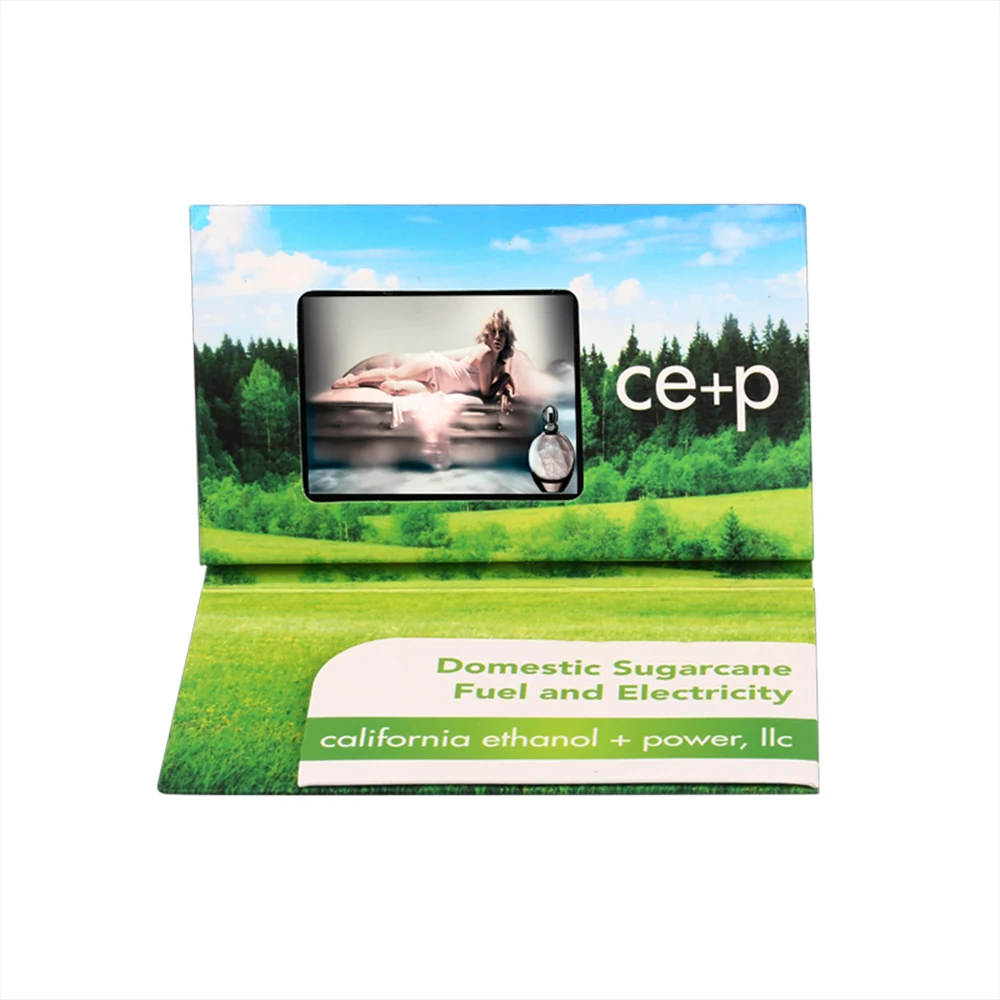
Business-card and mailer formats sized for hand and post. From 2.4″ up to 5″ screens — ideal for high-volume direct mail and handout campaigns.

Hardbacks & Multi-Panel
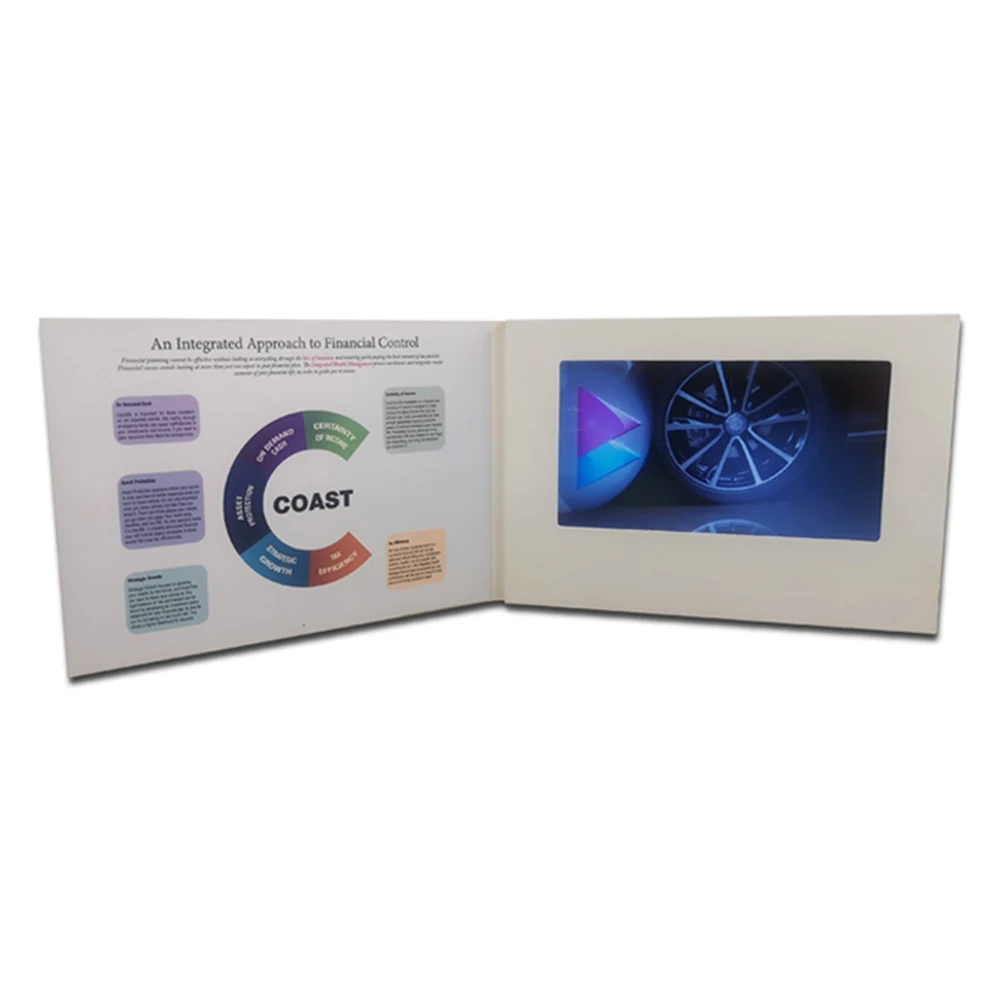
Multi-panel, hand-held and hardbound designs. Soft cover from 7.5 mm, hard cover with 2.0 mm board — built for presentation sets, kits and premium gifts.

Presentations & Larger Formats
Large-format presentation pieces, point-of-sale displays and exhibition boards with 7″ and 10.1″ screens, for viewing across a room.
Screen Size Is Only Part of the Product Size
Four dimensions decide what a video brochure measures. They are different numbers, and they are easy to confuse. Here is how each one is measured, using a 7-inch A5 softcover as the worked example.
-
Screen Size
7 inch diagonal
Size notes
Screen size is the diagonal of the LCD panel, measured corner to corner in inches. It is the headline number buyers ask for — and the least useful one when you are checking whether a screen will physically fit.
-
Active Display Area
153 × 85 mm
Size notes
The active display area is the part of the panel that actually shows an image — width by height in millimetres. This is the figure that tells you whether the module fits the card you have in mind. All six of ours are listed above, drawn to scale.
-
Screen Window Size
153 × 85 mm opening
Size notes
The screen window is the opening cut in the printed cover. On our modules the window is cut 1:1 to the active display area, so the module border covers the cut edge. If your artwork is already drawn, send it and we confirm the window position before sampling.
-
Finished Product Size
210 × 148 mm closed (A5 landscape)
Size notes
The finished product size is the closed, folded piece — the number that decides postage, shelf space and how many fit in a mailing box. A 7-inch module is normally built as A5 landscape (210 × 148 mm) or A4 landscape (297 × 210 mm).
Why the finished size is always larger than the screen. The cover has to carry the fold, the buttons and the speaker, so the finished piece is never the size of the panel. This is why a 7-inch screen is normally sold as an A5 mailer rather than as a 153 × 85 mm card.
Match Your Screen to the Finished Format
The same screen can be built into more than one finished format. Two cover constructions cover almost every project we run.
Softcover
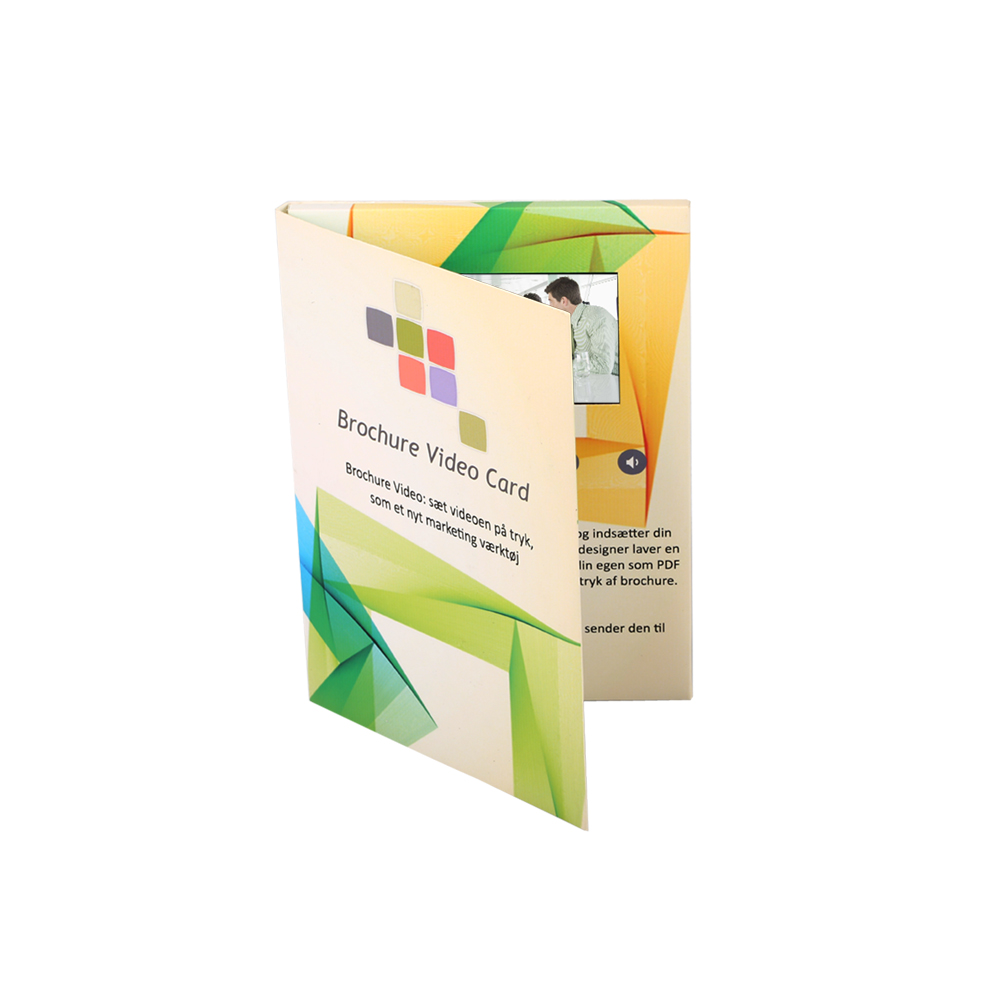
The flexible option for mailers, handouts and direct-mail campaigns. Fewer parts, lighter shipping, and usually the better price for the same screen size.
- Screen sizes
- 2.4″ · 4.0″ · 4.3″ · 5″ · 7″ · 10.1″
- Construction
- Soft cover from 7.5 mm (8.0–8.5 mm on the larger formats)
- Standard closed sizes
- 92 × 50 · 148 × 105 (A6) · 177.8 × 127 · 210 × 148 (A5)
Hardcover
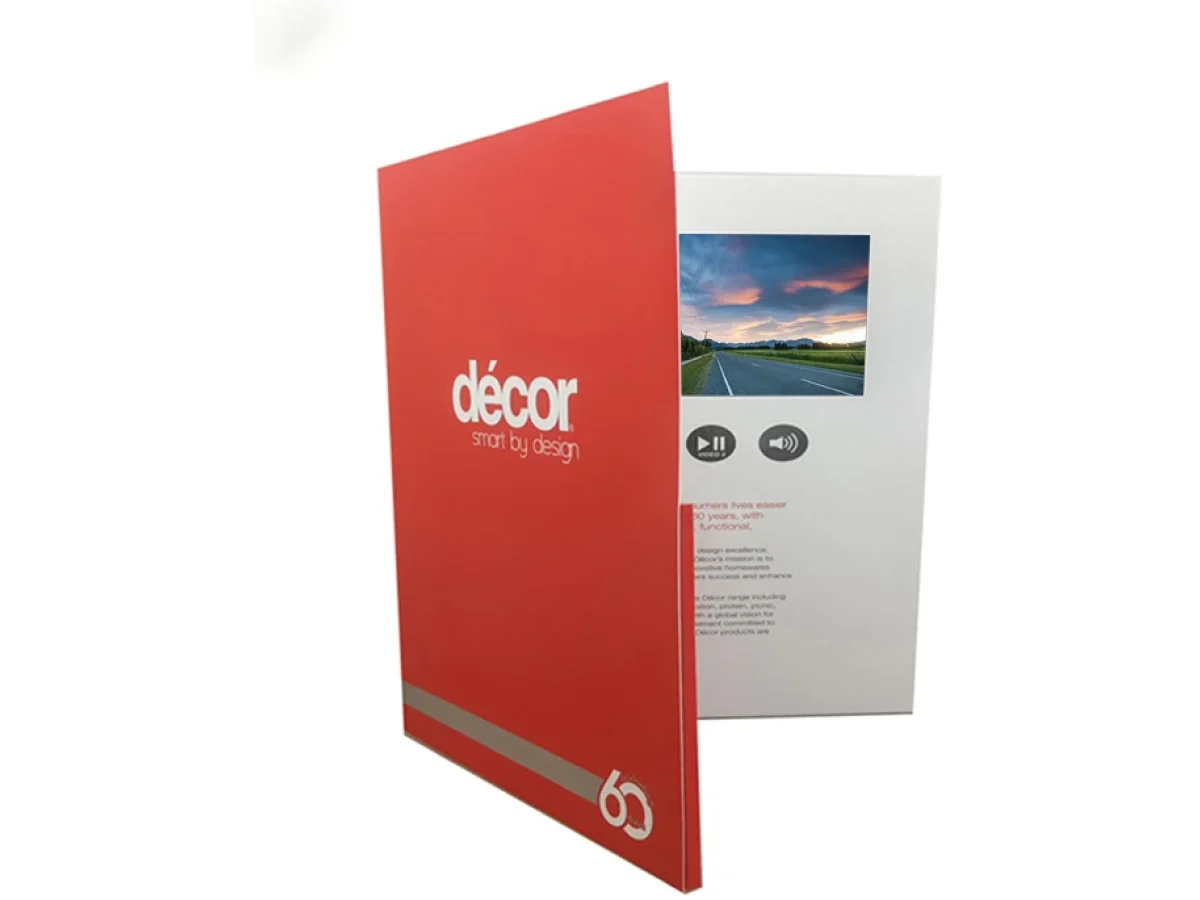
The rigid option for presentations, premium gifts and exhibition pieces. A 2.0 mm board cover gives a squared edge and a noticeably better hand feel.
- Screen sizes
- 4.0″ · 4.3″ · 5″ · 7″ · 10.1″
- Construction
- Hard cover, 2.0 mm board
- Standard closed sizes
- 210 × 148 (A5 landscape) · 297 × 210 (A4 landscape)
Additional Technical Options
Battery & Playback Time
Battery capacity runs from 300 mAh on the 2.4″ to 1,500 mAh on the 7″ and 10.1″. Playback on a full charge ranges from about 100 minutes to about 150 minutes depending on the module. A larger screen does not automatically mean longer playback — the battery and the module set it, and the figures in the table above are the tested ones to compare against.
Memory & Video Length
128MB to 16GB is standard on every size, with 32GB built to order. Memory decides storage, battery decides runtime — the conversion between the two is on our Resources FAQ. You can replace the video yourself over USB, and we preload your files before production.
Buttons & Touchscreens
Buttons are available across the range: up to 11 as standard, up to 16 with an additional button board, with functions confirmed against the module you select. A touchscreen is an optional configuration on the 7″ and 10.1″ only, and it must be specified before sampling because it changes both the screen specification and the control program.
Video Files & Compatibility
The 4.0″, 4.3″, 5″, 7″ and 10.1″ modules take MP4 (H.264) / AVI / MOV / 3GP; we recommend MP4. The 2.4″ module takes the same formats — we convert the file before loading it, so you can send your original in whichever format you have. The 7″ and 10.1″ modules also play back source video up to 1920 × 1080 and downscale to the panel during production — send your master at that size and we will handle the rest.
For the complete format list, resolution limits and per-module playback settings, see the Video File Requirements guide.
Common Questions
Five questions come up in almost every quotation. The full set lives on the Resources FAQ.
Does a bigger screen mean a bigger product?
Yes, and that is the point of this page. Screen size, active display area, screen window and finished size are four different measurements, and only the last one decides postage and shelf space. A 7-inch module is normally built as A5 landscape (210 × 148 mm closed).
Can the screen look smaller?
The active display area is fixed for each module — what changes is how much of the printed cover sits around it. Send us your artwork and we will confirm the window position before sampling.
Can I change my file after sampling?
Yes. Video is replaced over USB by the recipient, and we preload your files before production runs. Tell us the file format you plan to use — every size takes MP4 (H.264) / AVI / MOV / 3GP, and on the 2.4″ we convert the file before loading it.
Does a larger screen mean longer playback?
No. Playback is set by the battery and the module, not by the screen alone — from about 100 to about 150 minutes depending on the module. See the battery and playback column in the comparison table.
What if the screen size should be decided before sampling?
Send us the finished dimensions you have in mind and we will confirm which modules fit, and what is achievable, before you commit. Most of the formats above are quoted on request rather than held as stocked sizes.
Not Sure Which Screen Fits Your Project?
Share your application, or final dimensions, and we’ll recommend the most reliable module size.