
Video POS Displays
Video POS Displays for Retail Presentation
A video POS display puts video into a retail position — on a counter, inside an existing cabinet, or integrated with the products on display. The installation, fixing and power access are planned around the actual site.
Send a photo of the location, the available installation space and how power is reached. We confirm a suitable format from there.
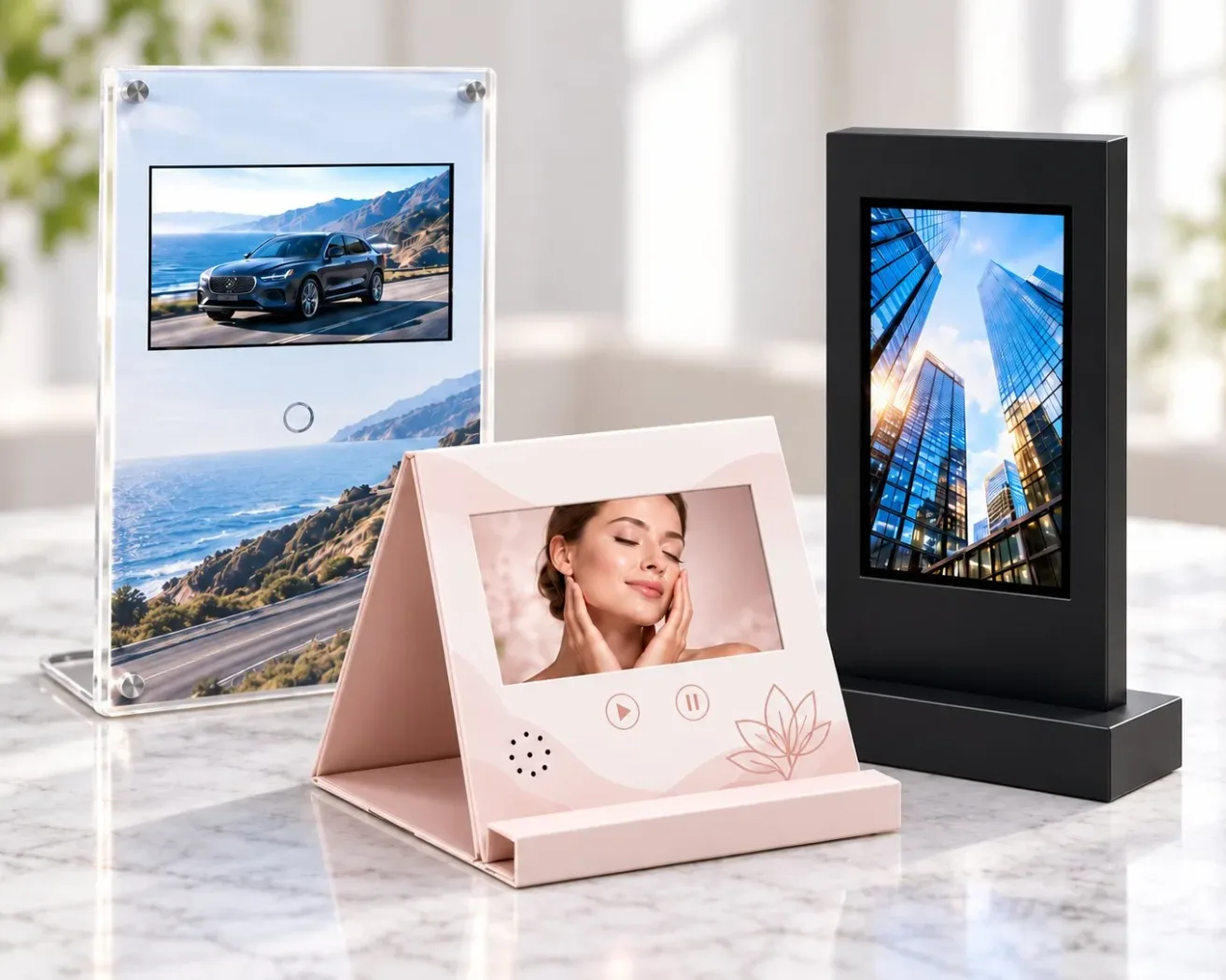
Three formats
Display Formats
Each format is developed around where the unit physically sits in your store.

Countertop Video Displays
Freestanding presentation for counters. Confirm footprint, viewing angle and stability.
Discuss This Format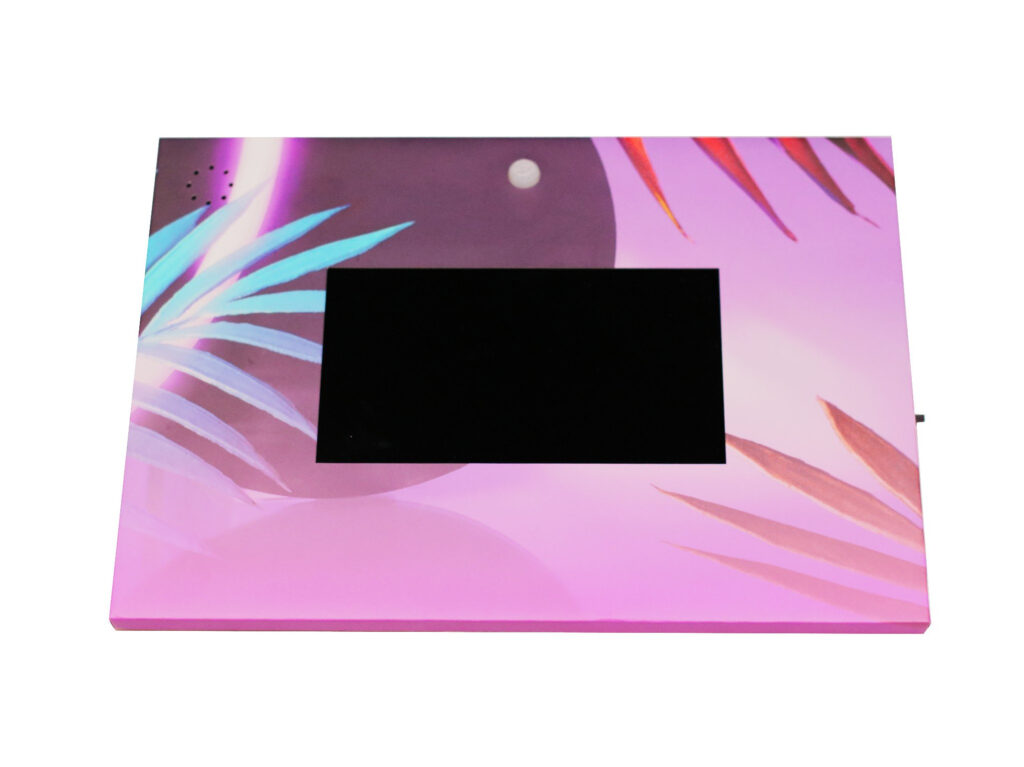
In-Cabinet Video Displays
Video units for installation inside an existing retail cabinet — not a complete cabinet system. Plan fixing, cable routing and power access.
Discuss This Format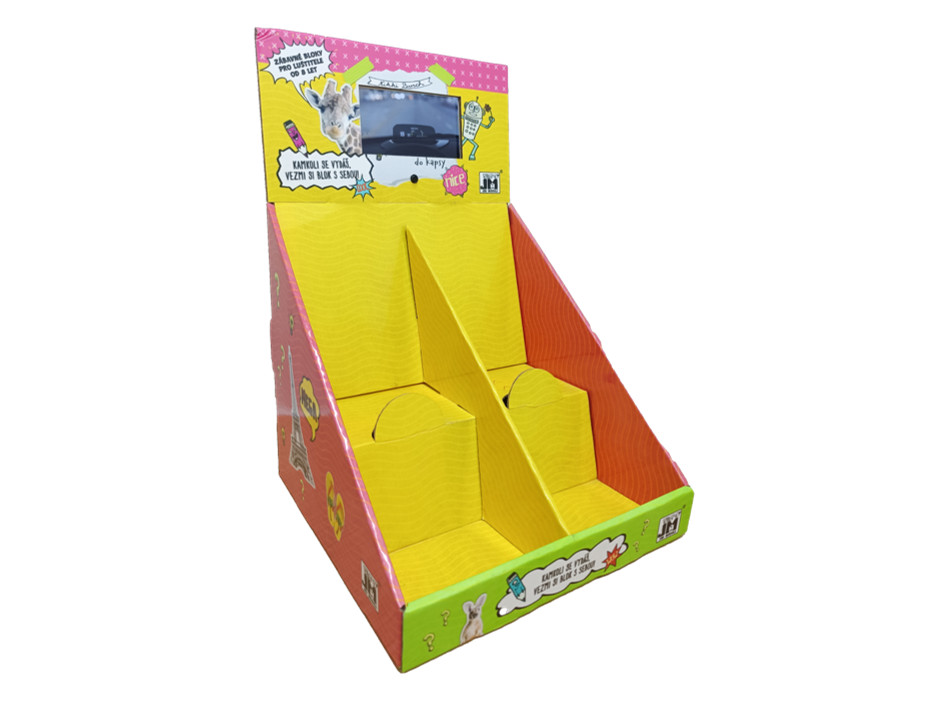
Product-Integrated Video Displays
Combine video with products, samples or a display structure for a coordinated presentation.
Discuss This FormatThe in-cabinet format is a video unit installed inside an existing retail cabinet — it is not a complete cabinet system. Fixing, cable routing and power access are planned for the cabinet you already have.
Available models
Video POS Products

4.3 Inch A4 Hardcover Display Card
Check this model’s finished dimensions and configuration on the product page.
View Product →
7 inch Countertop Video Display
Check this model’s finished dimensions and configuration on the product page.
View Product →
Custom 10.1-Inch Countertop Video POS Display
Check this model’s finished dimensions and configuration on the product page.
View Product →
Custom 10.1-Inch Foldable Countertop Video Display
Check this model’s finished dimensions and configuration on the product page.
View Product →Site requirements
Installation & Operating Environment
Most display problems come from the site rather than the unit. These are the details we need before proposing a format.
Photos of the Location
Where the unit will sit, from the customer’s viewing position and from above.
Available Space
Counter depth, cabinet opening size and the clearance left around the unit.
Fixing Method
Freestanding on the counter, or secured inside the cabinet, and what fixing points exist.
Power & Running Hours
Whether a mains outlet is within reach, and how many hours per day the display should run.
Tell us your power access and daily running hours. Battery operation, external power, automatic switching and charging during playback are assessed for the model.
Content-loading methods and any remote-management requirements are confirmed for the hardware.
Development options
Customization
These are options to be assessed for your project. They are not the default configuration of any listed model.
Format & Footprint
Countertop, in-cabinet or product-integrated, with dimensions matched to the available space.
Screen & Playback
Screen size, supplied content, controls, loop behaviour and viewing angle for the retail position.
Branding & Finish
Printed artwork, covering materials and finishes that match the surrounding display.
Power & Fixing
Battery or external supply, cable routing and the fixing method for the confirmed location.
Send us the location details
A short brief with photos, dimensions, power access and daily running hours is enough for us to propose a format and a model.
Before you order
Frequently Asked Questions
These answers describe how we work. Model-specific data is confirmed per project.
Does the in-cabinet format include the cabinet itself?
No. It is a video unit designed for installation inside an existing retail cabinet. Cabinet design, manufacture and fitting stay outside this scope unless separately agreed.
Will it run all day on a single charge?
Battery runtime depends on the model and operating conditions. Share your daily running hours so we can confirm a suitable power arrangement.
Can the content be updated remotely?
Tell us if you need remote updates or cloud management. We will confirm the supported content-loading method for the selected hardware.
How do we confirm it suits the counter?
Send photos from the customer’s viewing position, the available depth and width, where a power outlet is within reach, and how many hours per day it should run.
Can we see a sample before ordering?
Yes. Digital artwork proofs are provided electronically and carry no shipping charge. For this line, samples are charged at cost. Physical sample fees may be credited toward a bulk order when the agreed order quantity or value is met. Eligibility and credit terms are confirmed in your quotation. Shipping charges are confirmed with you before anything is made. Tooling and new mould development fees are quoted separately.
Let’s build it together
Discuss Your Video POS Project
Share your location, preferred format, estimated quantity, delivery destination and required date. We’ll help define the next step.
Before you quote
Specifications, Customization & What to Send
A POS display is planned around the site it goes into. Footprint, fixing, viewing angle and power access are assessed from the location, not from a standard list.
SpecificationsWhat we can state now
- Presentation formats
- Countertop, in-cabinet, and product-combination formats
- Screen sizes
- Confirmed for the confirmed model
- Content loading
- The supported method is confirmed for the hardware
- Power planning
- Battery operation or an external supply — both planned, neither assumed
CustomizationWhat we confirm with you
- Automatic switching, charging while playing and continuous all-day running
- Remote updates and cloud management
- Whether a cabinet design is needed — cabinet manufacture and fitting stay outside this scope unless separately agreed
What to SendWhat helps us quote
- Photos from the customer’s viewing position
- The available depth and width, and where a power outlet is within reach
- How many hours per day it should run
- Estimated quantity, the destination and your required date
You do not need to have all of this decided before contacting us. A short brief with the intended use is enough to start.
MOQ from 100 pcs. Physical samples are charged at cost and take 2–3 working days on regular structures; special structures or tooling are confirmed separately. Transit time excluded.